Golden-ratio calculator
See the measurements on a portrait, adjust the points, and compare its proportions with a golden rectangle.
Example 1
Check the forehead, chin, and cheek points on your front-facing portrait.
 A · HeightB · Width
Drag a point or focus it and use the arrow keys. Hold Shift for larger steps.
Example measurement
Face height ÷ face width
: 1
1.25 times as tall as it is wide between these points.
- A · Forehead to chin
- 461 photo pixels
- B · Cheek to cheek
- 369 photo pixels
Compare the shapes
A golden rectangle is 1.618× as tall as it is wide. Both shapes below use the same width.
A comparison of shapes, not an attractiveness rating.
What the points measure
A · Upper forehead to chin
B · Outer cheek to outer cheek
Read the portrait first
Start with either example or upload your own portrait. Automatic detection estimates four starting points. Check that the top point is on the upper forehead, the bottom point is on the chin, and the side points sit at the outer cheeks below the eyes.
Drag a point to adjust it. You can also focus a point and use the arrow keys; hold Shift for larger moves. Reset points returns to the detected positions for that photo.
Understand the number through the shapes
A ratio of 1.25 means the forehead-to-chin distance is 1.25 times the cheek-to-cheek distance. The two pixel measurements refer to the source photo, so resizing the preview does not change the ratio.
The golden ratio is φ = (1 + √5) ÷ 2, approximately 1.618. Both illustrated rectangles have equal widths: one uses your measured ratio and the other uses 1.618. The different heights make the comparison visible.
Choose a useful photo
Face the camera with a relaxed expression and keep the full face in frame. Even light and a visible forehead make the points easier to review. A heavily turned head, hidden cheek or cropped chin changes what can be measured.
This is a comparison of distances in a two-dimensional photo. It does not correct perspective or turn a proportion into an attractiveness rating. Changing the point locations changes the result, so use consistent positions when comparing photos.
Keep your work while exploring
Your uploaded portrait stays available while you switch between examples or the guide. Adjustments are kept for each portrait during this visit. Use Remove photo to clear the uploaded portrait from the tool.
Analysis runs in your browser. The detector downloads its model when needed, then processes the photo on your device. This calculator does not send the photo to an image-generation service or start a paid generation.
Pricing plans
Starter
For getting started
per month · billed $99.99 every 6 months
per month · ≈ 500 AI images
Up to 3 model trainings per month
- 5,000 shared credits per month
- Use credits for up to 92 Nano Banana Pro images or 250 GPT Image 2.5 medium images
- Create up to 8 Seedance 2.5, 11 Kling 3.0 Pro, or 14 Grok Imagine clips (5 sec)
- Generate up to 500 standard AI images and AI photos every month
- Refine up to 500 photos with AI editing every month
- Starter credit pool for lighter AI video, editing, and upscaling projects
Hobby
For regular creators
per month · billed $149.99 every 6 months
per month · ≈ 900 AI images
Up to 6 model trainings per month
- Everything in Starter, plus 4,000 additional credits per month
- Added credits alone cover 2 model trainings, 74 Nano Banana Pro images, or 200 GPT Image 2.5 medium images
- Or 6 extra Seedance 2.5, 9 extra Kling 3.0 Pro, or 11 extra Grok Imagine clips (5 sec)
- Generate up to 900 standard AI images and AI photos every month
- Refine up to 900 photos with AI editing every month
- More credits for regular AI video, PhotoGPT Flow, and upscaling workflows
Pro
For power users
per month · billed $199.99 every 6 months
per month · ≈ 1600 AI images
Up to 10 model trainings per month
- Everything in Hobby, plus 7,000 additional credits per month
- Added credits alone cover 4 model trainings, 129 Nano Banana Pro images, or 350 GPT Image 2.5 medium images
- Or 11 extra Seedance 2.5, 16 extra Kling 3.0 Pro, or 19 extra Grok Imagine clips (5 sec)
- Generate up to 1600 standard AI images and AI photos every month
- Refine up to 1600 photos with AI editing every month
- Largest credit pool for frequent MiniMax Hailuo H3, Google Omni, Grok Imagine Video 1.5, Seedance 2.0, Veo 3.1, Kling 3.0, and 4K video production
Explore all image effects
19 effects and guides
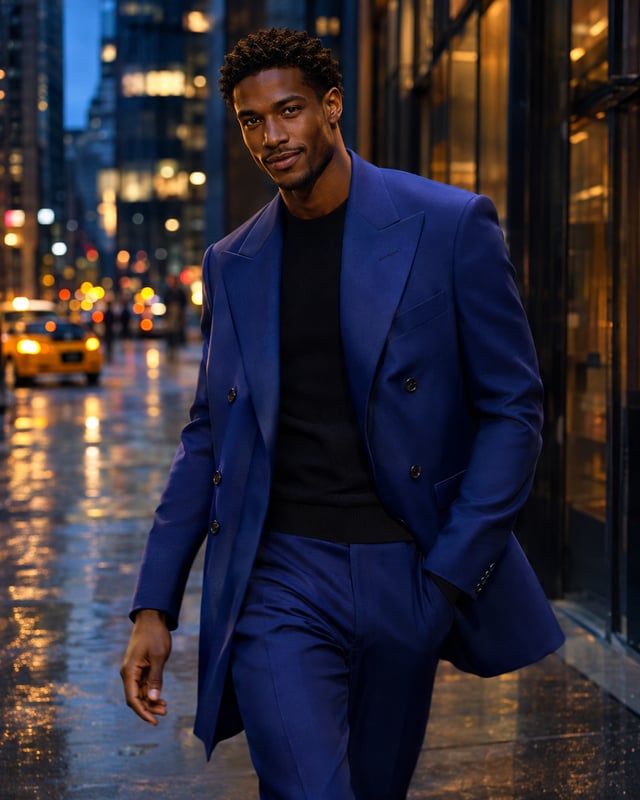
Gemini photo prompts
Portraits, products and creative looks with prompts you can copy and customize.
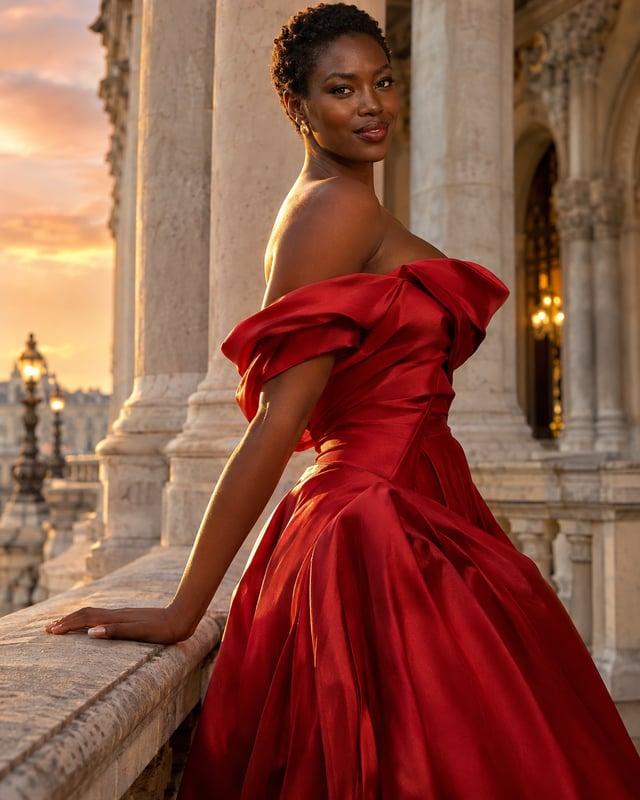
Stylish photo prompts
Build an editorial look with outfits, locations and lighting.
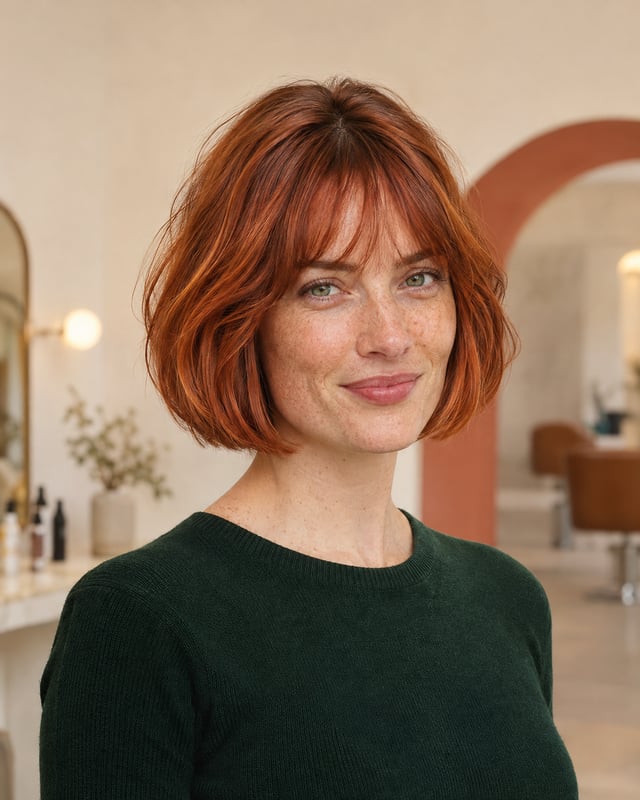
Gemini hairstyle prompts
Describe a new cut, texture or color for your portrait.

Girlfriend photo prompts
Create imagined adult couple scenes and romantic portrait ideas.
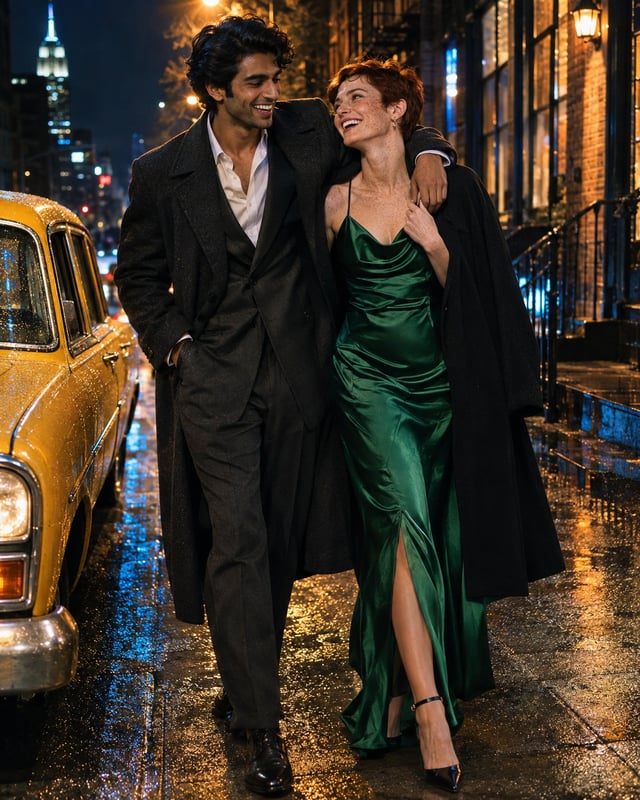
AI hug prompts
Explore warm embraces, candid reunions and portrait compositions.

Cute family prompts
Try playful family arrangements and stacked portrait ideas.
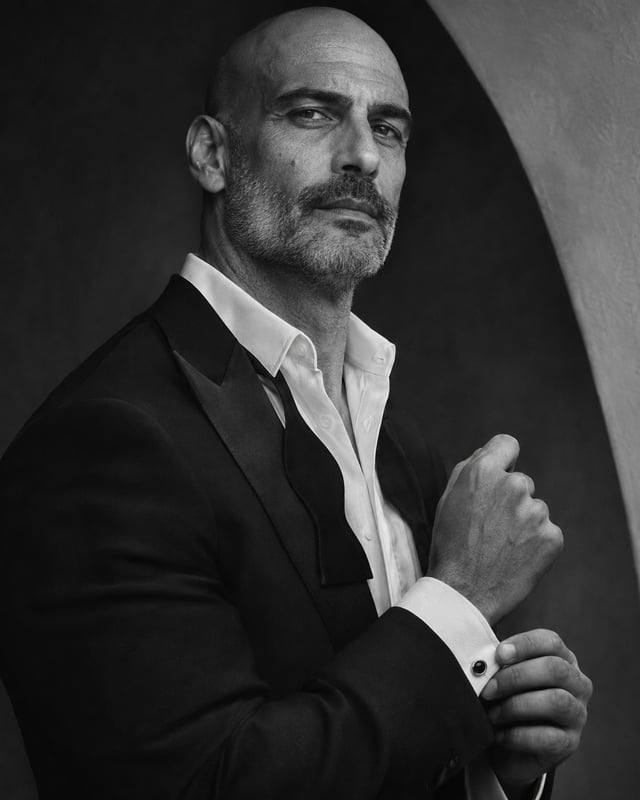
Celebrity lookalike finders
Understand resemblance tools, photo requirements and useful comparisons.
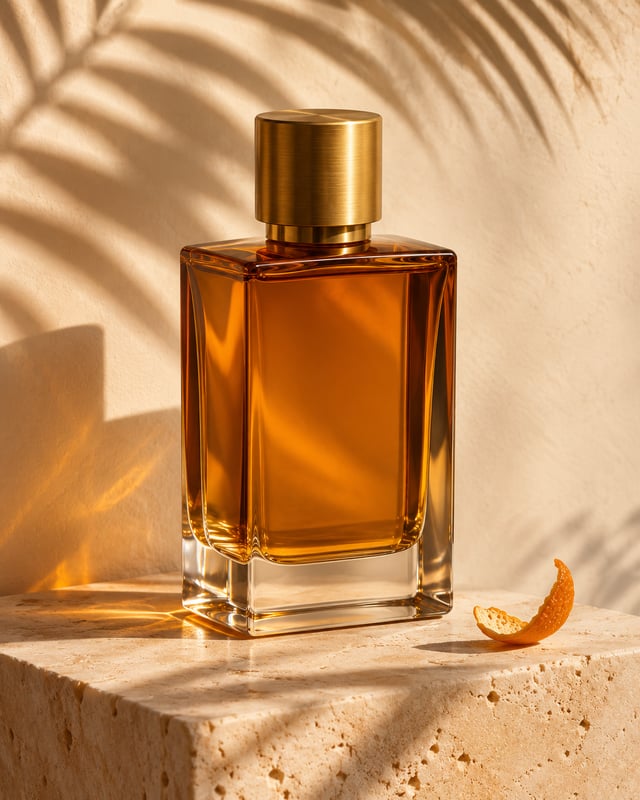
Background-change prompts
Find a new scene for your portrait or product photo.
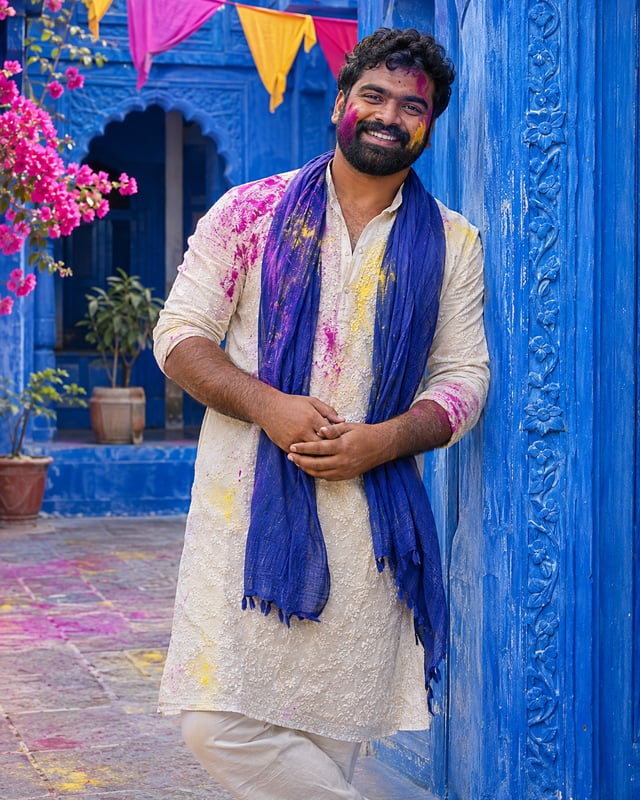
Holi portrait prompts
Plan colorful festival looks for men with Gemini and GPT Image.
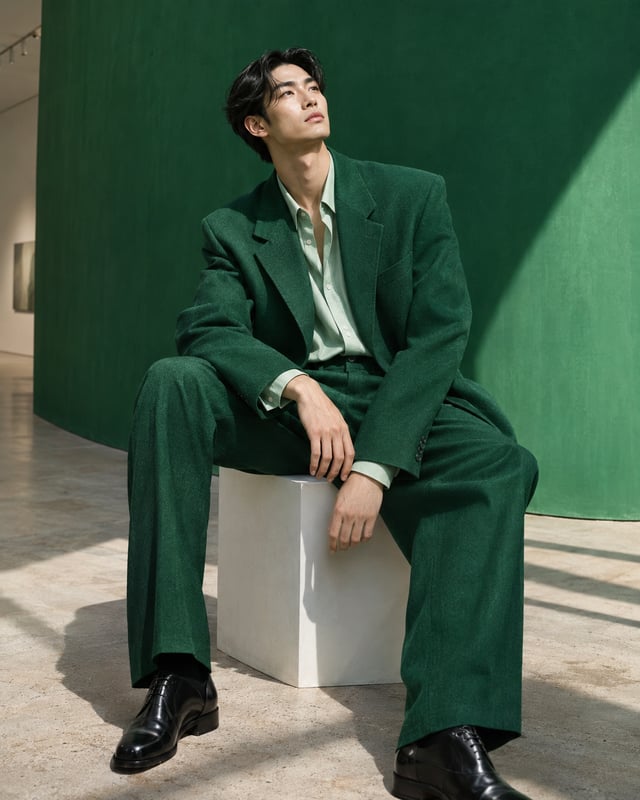
Photo prompts for men
Explore casual, cinematic and studio portrait directions.
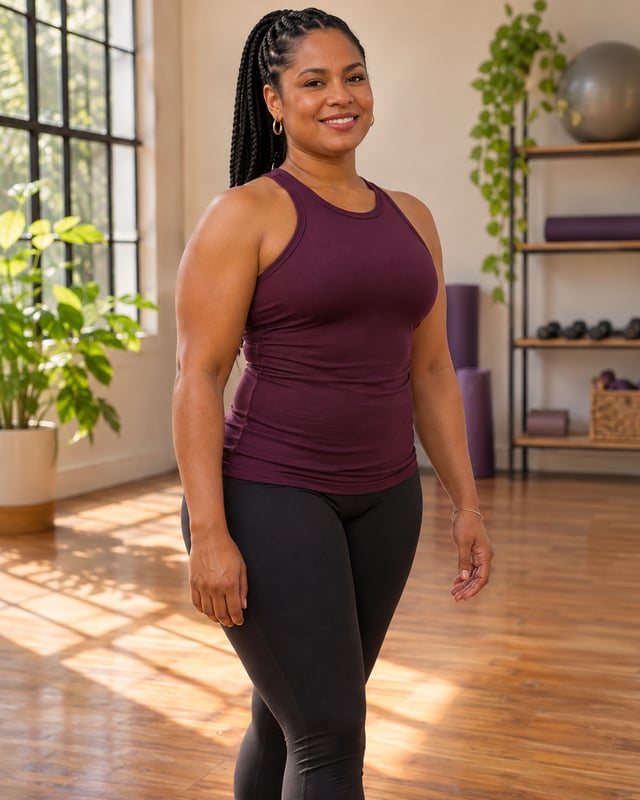
AI body editor
Prepare a considered physique edit with your own photo.
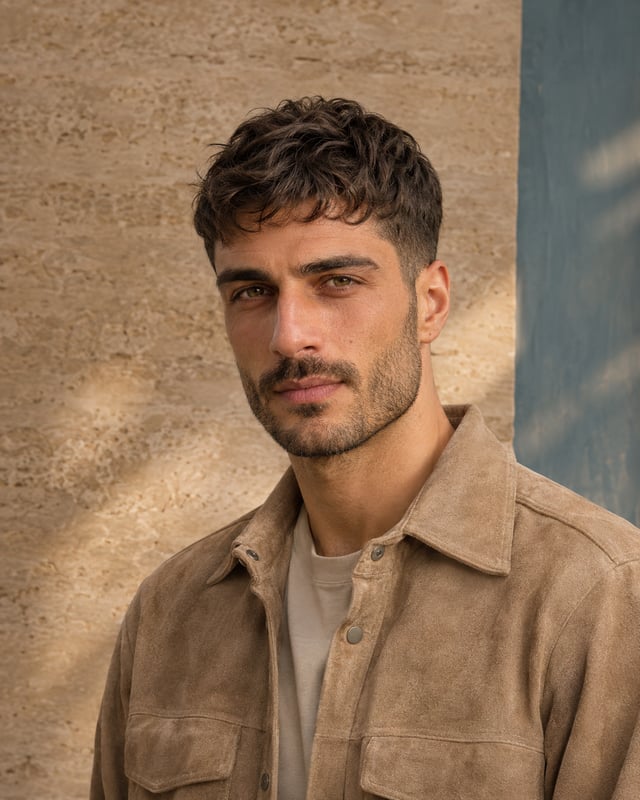
Haircut simulator for men
Compare haircut ideas before choosing your next look.

Mother-and-daughter prompts
Plan shared portraits, celebrations and everyday moments.
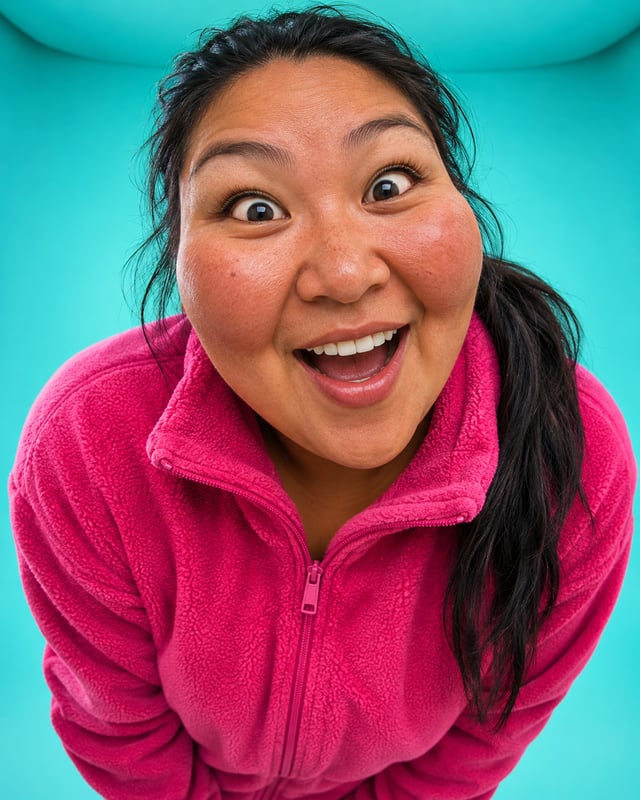
Funny face filters
Play with exaggerated expressions and playful photo effects.

Mother-and-son prompts
Create warm portrait ideas with clear reference-photo roles.
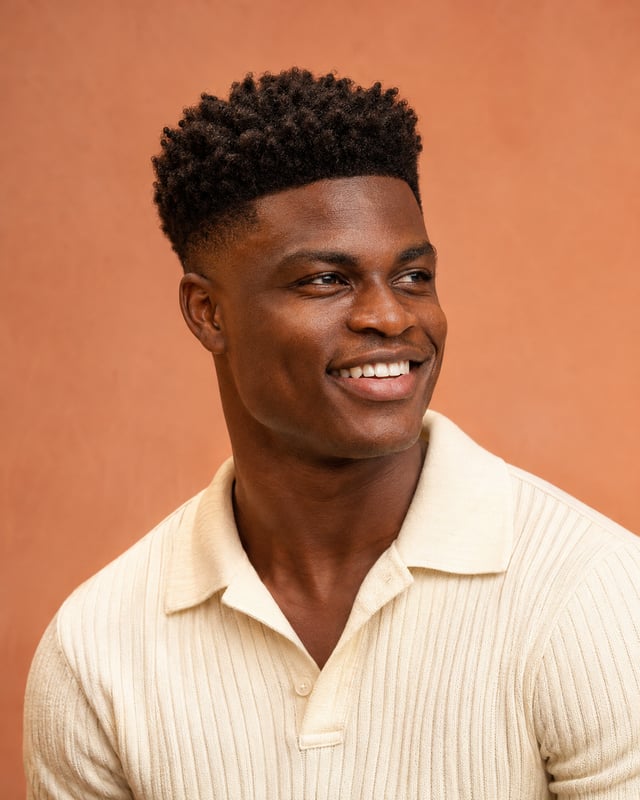
Golden-ratio calculator
See photo proportions with adjustable points and a golden-rectangle comparison.
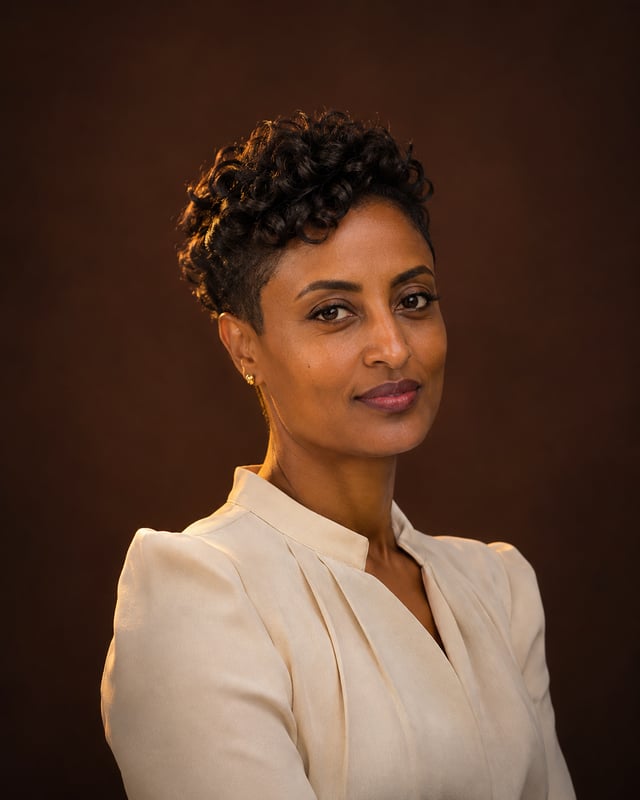
AI face analysis guide
Understand facial measurements, image conditions and analysis limits.
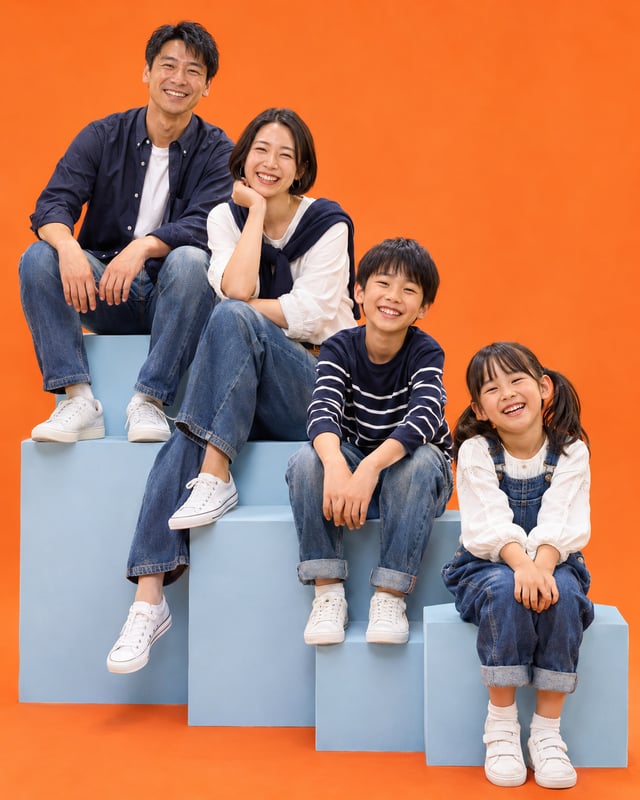
ChatGPT family photo prompts
Create family scenes and imagined future-family portraits with GPT Image.

Photo prompts for women
Explore natural portraits, fashion styling and creative scenes.