AI face analysis guide
Learn the difference between face shape, symmetry, proportions, and an attractiveness score before deciding what to do with a result.
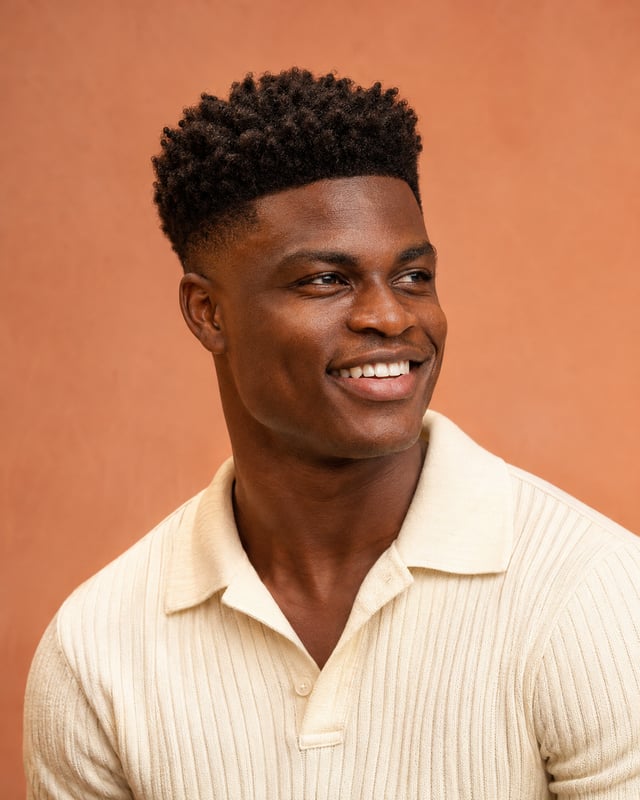
Know which question the tool answers
The term face analysis covers several different tasks. A face-shape label, a distance between two points, and an overall rating are different kinds of output. Start with the question you care about instead of treating every result as a single assessment.
- Face shape groups an estimated outline into a category such as oval, round, or square.
- Symmetry compares the positions or shapes of corresponding features on each side.
- Proportions compare chosen distances, such as height relative to width.
- A composite score combines selected measurements or judgments under a provider’s scoring rules.
Look for the method behind the result
Some services describe mapping facial landmarks before calculating measurements. The Face Report describes measurements across facial regions; Symmetry IQ describes separate dimensions that it combines into a balance score. These product descriptions explain their approach, but a detailed-looking report alone does not establish the accuracy of every result.
Check whether the tool shows its measurement points, defines each distance, and explains how it combines them. If a face rating appears without a clear method, you cannot tell which observations or assumptions produced it.
Use a photo suited to the comparison
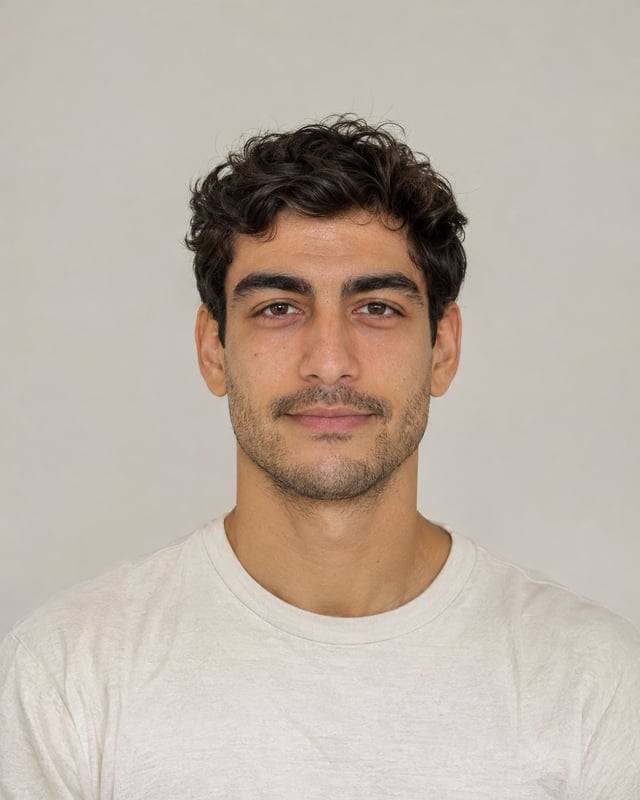
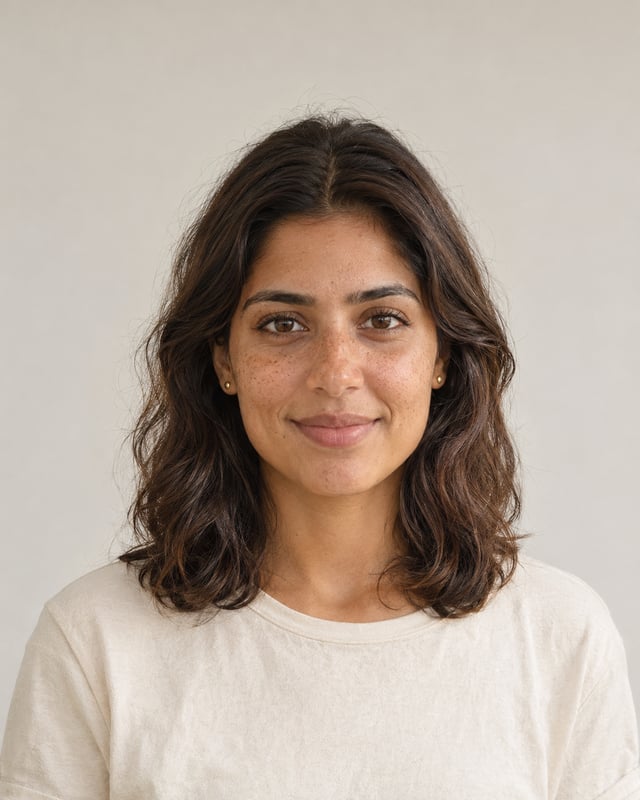
A turned head can make one side appear narrower, and an expression can move the mouth, cheeks, and brows. For a repeatable comparison, use one face looking straight ahead, even lighting, visible features, and a relaxed expression.
PFPMaker’s photo guidance asks for a frontal image without beauty filters or obstructions. If you compare several photos or services, keep the framing and expression similar. A changed result may reflect the photo or method rather than a change in your face.
Keep scores separate from styling decisions
A tool’s attractiveness or balance score is an output of its own scoring system. Before comparing numbers, check whether they use the same scale, inputs, and definitions. A score from one provider cannot automatically be treated as equivalent to a score from another.
For a practical styling choice, compare the actual options you are considering: a fringe, a different part, a softer lighting setup, or another portrait crop. Your preferred result is more relevant to that decision than maximizing an unexplained number.
Explore a specific portrait change in PhotoGPT
Choose a clear source portrait and describe one visible change. Ask to preserve the features you want to keep, including your face, age, expression, and skin texture. Changing one detail at a time makes the creative result easier to evaluate.
Use the hairstyle pages for a style preview or the portrait collections for lighting, wardrobe, and setting ideas. Compare any generated image with the source: an AI edit can alter details beyond the requested change, so it should not be treated as a measured prediction.
Pricing plans
Starter
For getting started
per month · billed $99.99 every 6 months
per month · ≈ 500 AI images
Up to 3 model trainings per month
- 5,000 shared credits per month
- Use credits for up to 92 Nano Banana Pro images or 250 GPT Image 2.5 medium images
- Create up to 8 Seedance 2.5, 11 Kling 3.0 Pro, or 14 Grok Imagine clips (5 sec)
- Generate up to 500 standard AI images and AI photos every month
- Refine up to 500 photos with AI editing every month
- Starter credit pool for lighter AI video, editing, and upscaling projects
Hobby
For regular creators
per month · billed $149.99 every 6 months
per month · ≈ 900 AI images
Up to 6 model trainings per month
- Everything in Starter, plus 4,000 additional credits per month
- Added credits alone cover 2 model trainings, 74 Nano Banana Pro images, or 200 GPT Image 2.5 medium images
- Or 6 extra Seedance 2.5, 9 extra Kling 3.0 Pro, or 11 extra Grok Imagine clips (5 sec)
- Generate up to 900 standard AI images and AI photos every month
- Refine up to 900 photos with AI editing every month
- More credits for regular AI video, PhotoGPT Flow, and upscaling workflows
Pro
For power users
per month · billed $199.99 every 6 months
per month · ≈ 1600 AI images
Up to 10 model trainings per month
- Everything in Hobby, plus 7,000 additional credits per month
- Added credits alone cover 4 model trainings, 129 Nano Banana Pro images, or 350 GPT Image 2.5 medium images
- Or 11 extra Seedance 2.5, 16 extra Kling 3.0 Pro, or 19 extra Grok Imagine clips (5 sec)
- Generate up to 1600 standard AI images and AI photos every month
- Refine up to 1600 photos with AI editing every month
- Largest credit pool for frequent MiniMax Hailuo H3, Google Omni, Grok Imagine Video 1.5, Seedance 2.0, Veo 3.1, Kling 3.0, and 4K video production
Explore all image effects
19 effects and guides
Gemini photo prompts
Portraits, products and creative looks with prompts you can copy and customize.
Stylish photo prompts
Build an editorial look with outfits, locations and lighting.
Gemini hairstyle prompts
Describe a new cut, texture or color for your portrait.
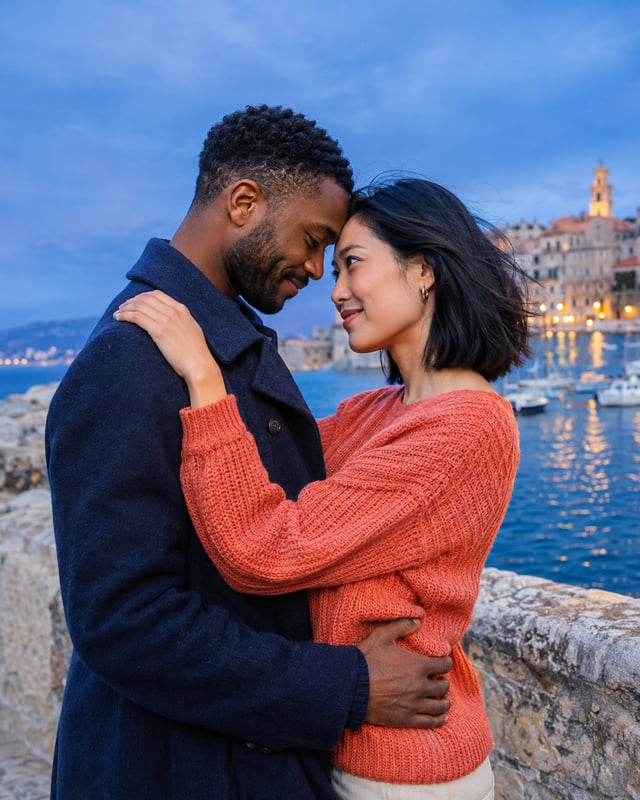
Girlfriend photo prompts
Create imagined adult couple scenes and romantic portrait ideas.
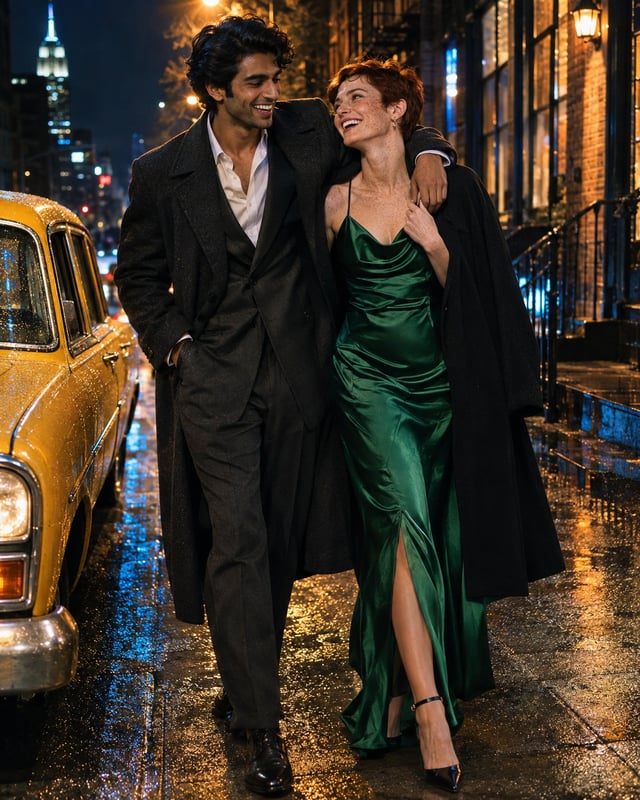
AI hug prompts
Explore warm embraces, candid reunions and portrait compositions.

Cute family prompts
Try playful family arrangements and stacked portrait ideas.
Celebrity lookalike finders
Understand resemblance tools, photo requirements and useful comparisons.
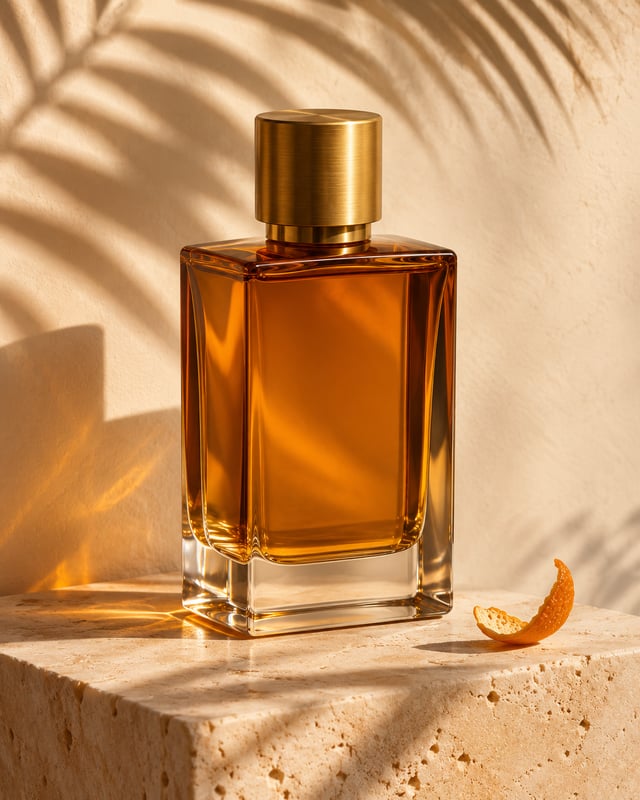
Background-change prompts
Find a new scene for your portrait or product photo.
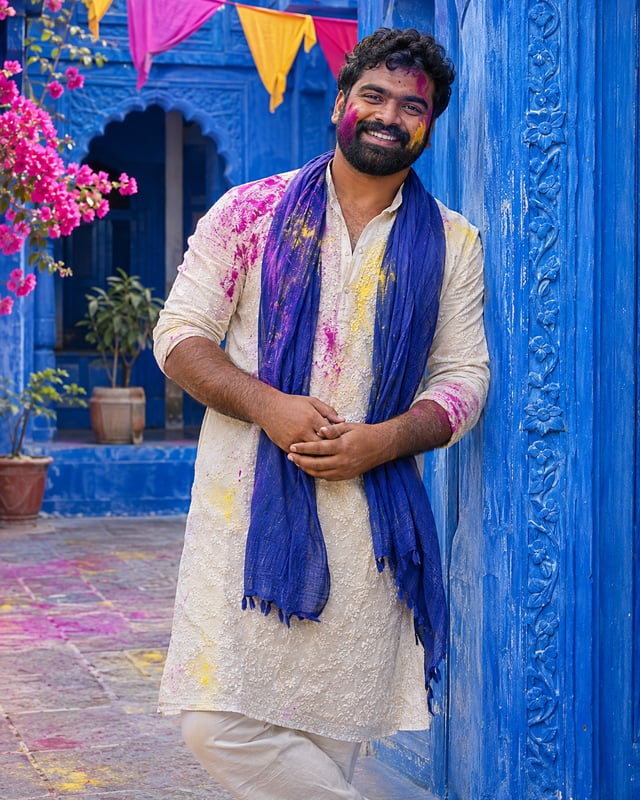
Holi portrait prompts
Plan colorful festival looks for men with Gemini and GPT Image.
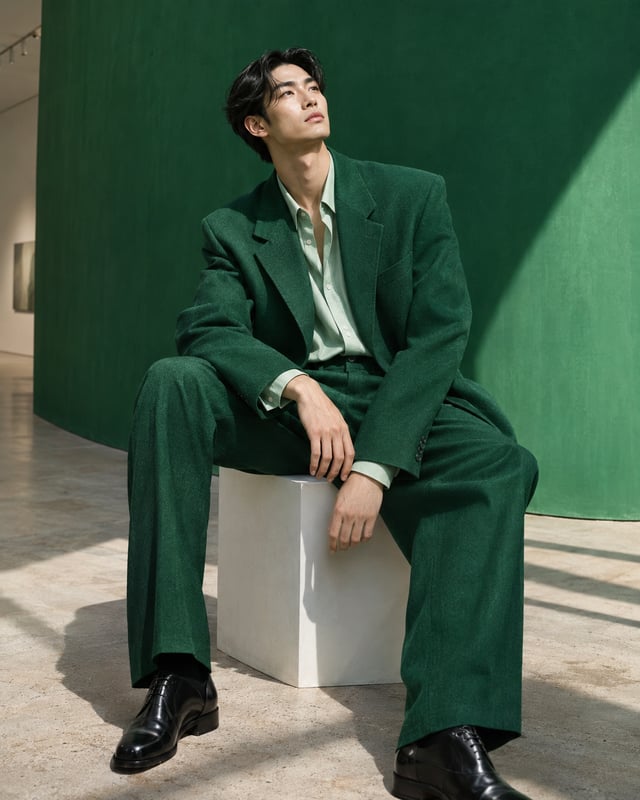
Photo prompts for men
Explore casual, cinematic and studio portrait directions.
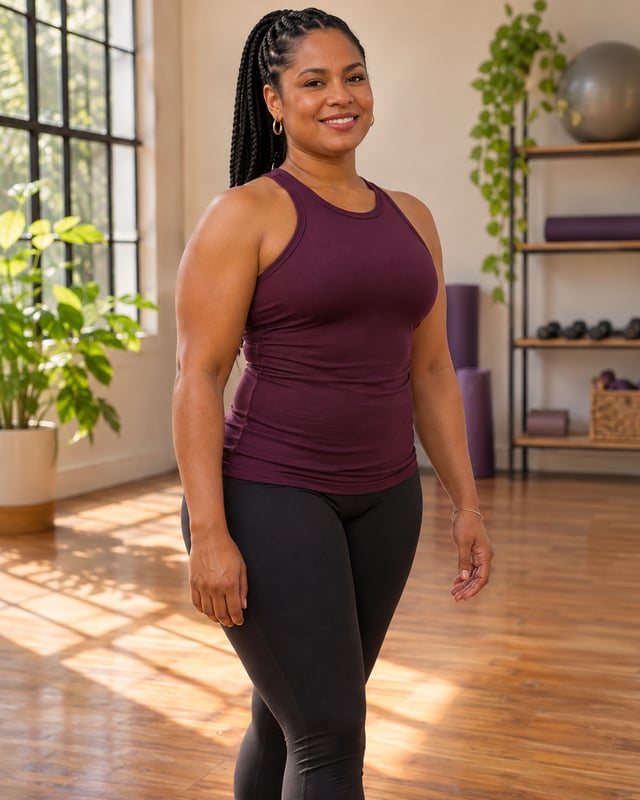
AI body editor
Prepare a considered physique edit with your own photo.
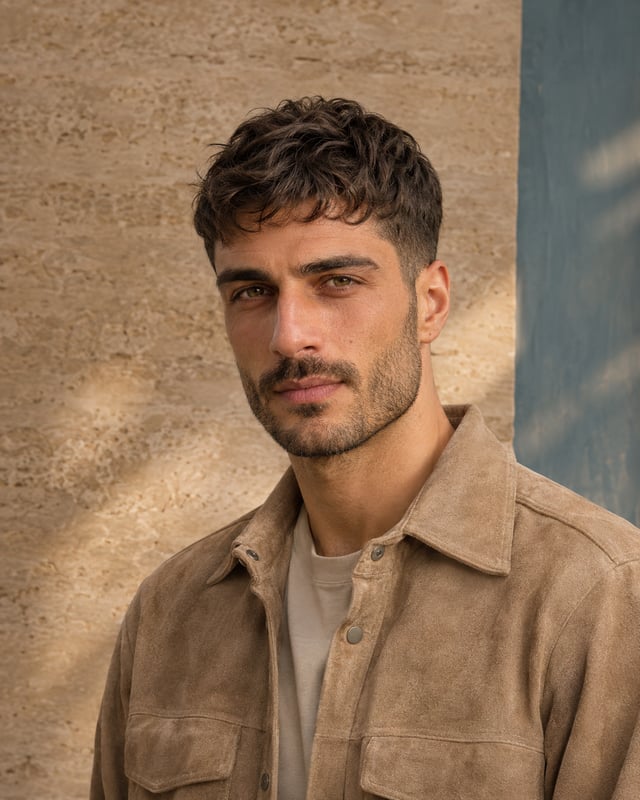
Haircut simulator for men
Compare haircut ideas before choosing your next look.
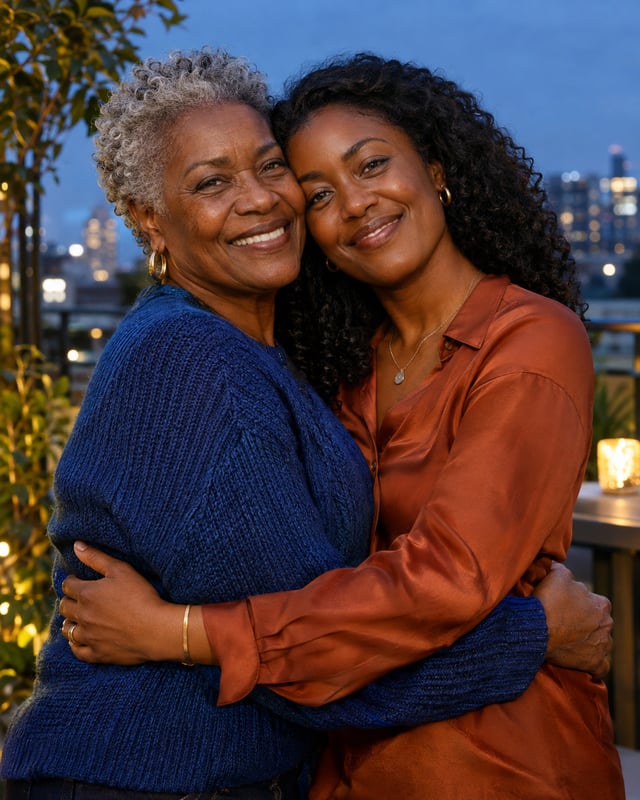
Mother-and-daughter prompts
Plan shared portraits, celebrations and everyday moments.
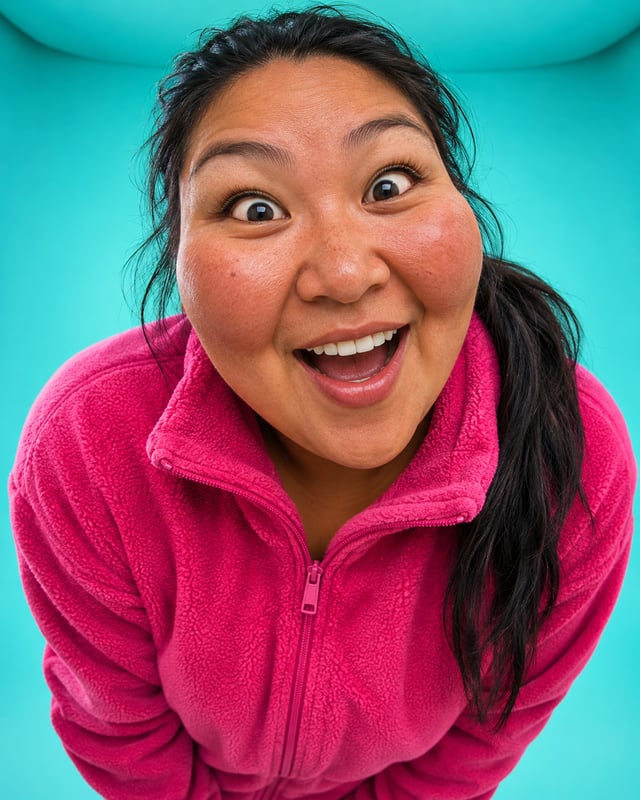
Funny face filters
Play with exaggerated expressions and playful photo effects.

Mother-and-son prompts
Create warm portrait ideas with clear reference-photo roles.
Golden-ratio calculator
See photo proportions with adjustable points and a golden-rectangle comparison.
AI face analysis guide
Understand facial measurements, image conditions and analysis limits.
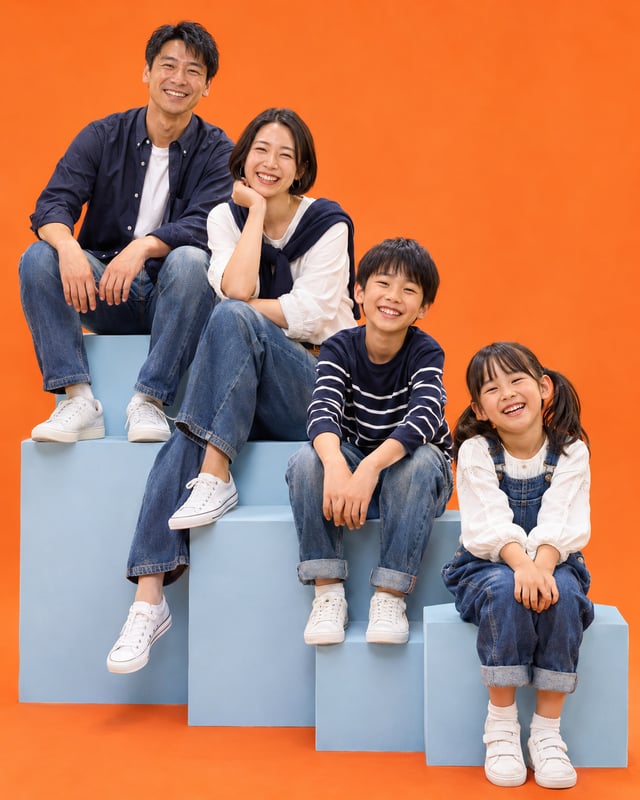
ChatGPT family photo prompts
Create family scenes and imagined future-family portraits with GPT Image.
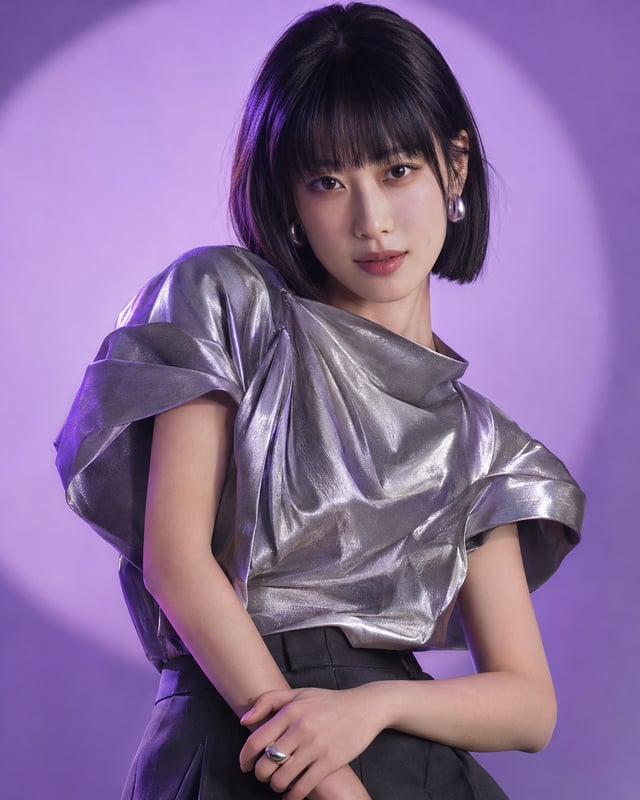
Photo prompts for women
Explore natural portraits, fashion styling and creative scenes.