STEP 1
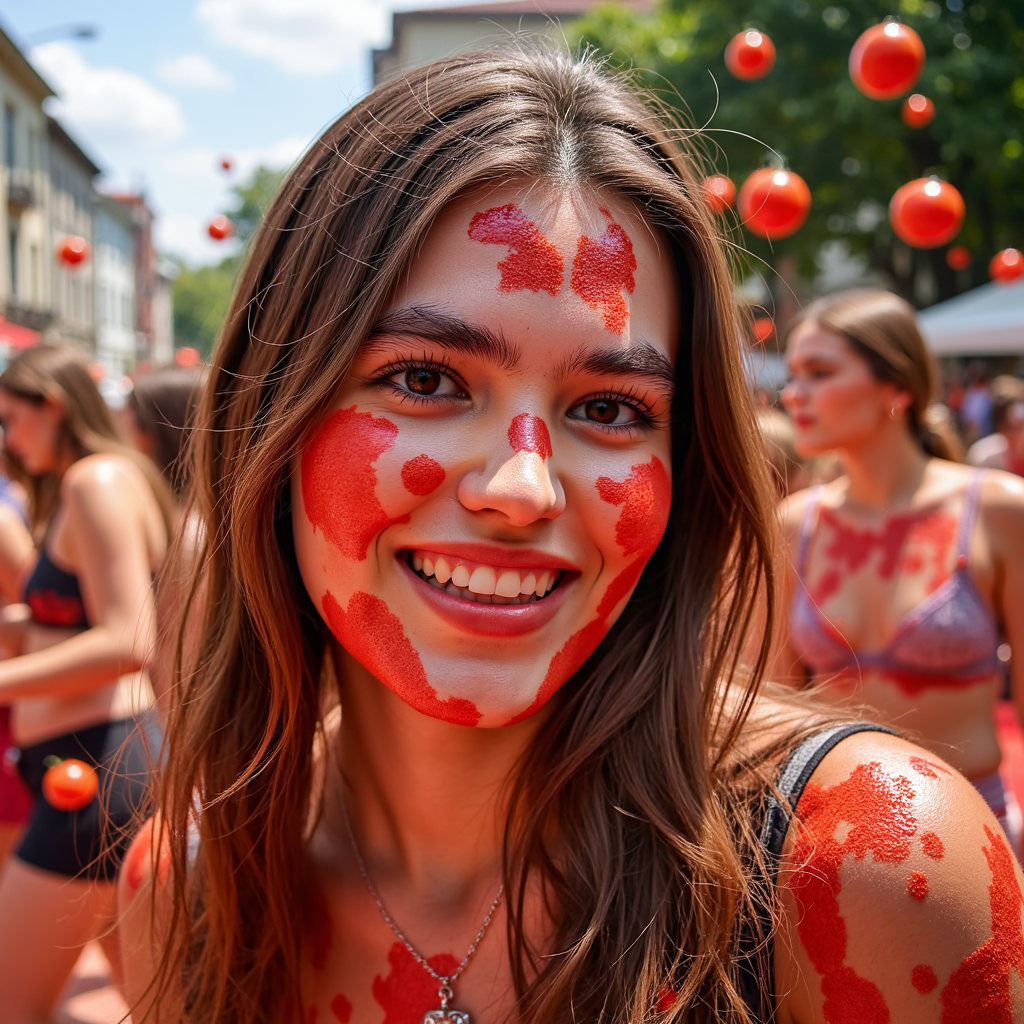
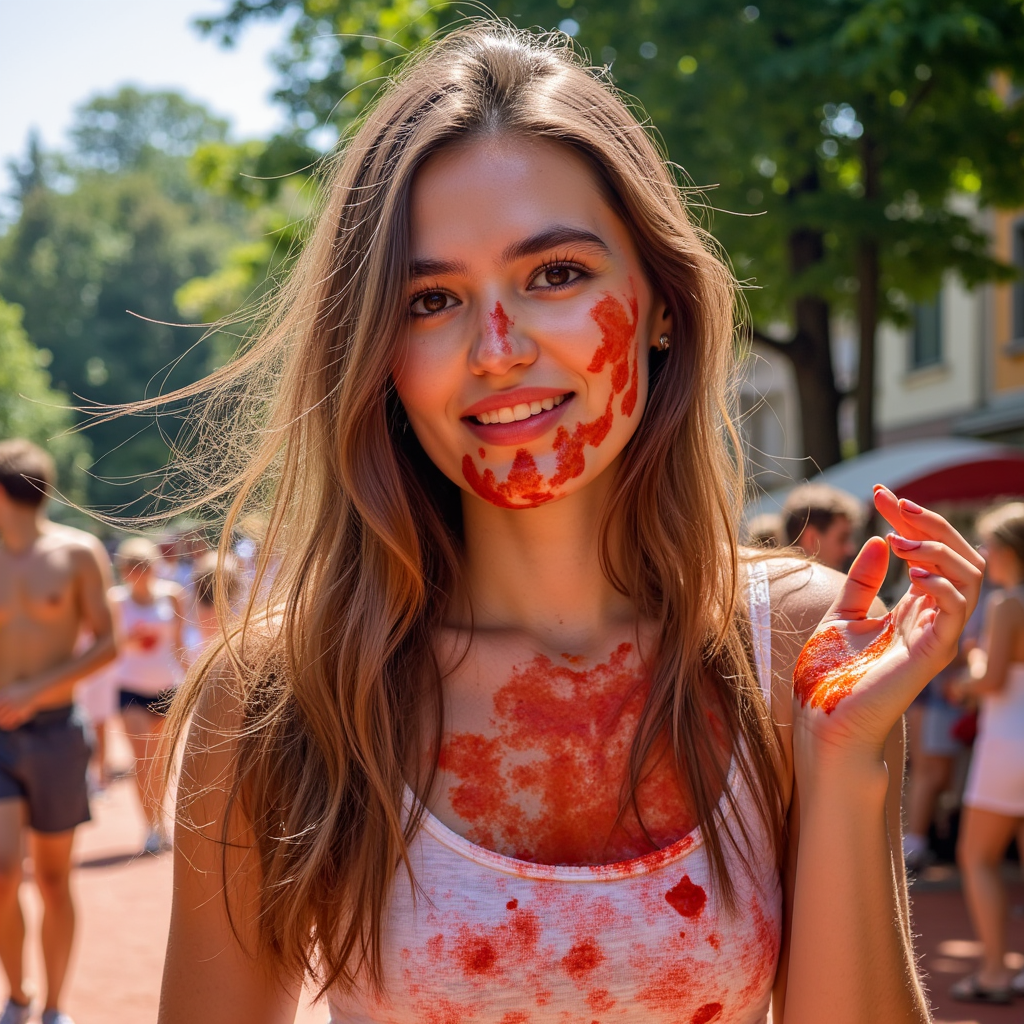
Upload a la tomatina reference photo
Add a selfie, portrait, product flat lay, or model shot as your la tomatina reference, or start from a text prompt.
Generate La Tomatina AI photos and festival visuals packed with color, movement, and playful energy.


The PhotoGPT difference
Keep exploring this style with a reusable model of your likeness. Train with 12–15 photos for 1,500 credits in about 20 minutes; generation uses credits. Training photo guide
STEP 1
Add a selfie, portrait, product flat lay, or model shot as your la tomatina reference, or start from a text prompt.
STEP 2
Realistic la tomatina AI image, polished lighting, detailed styling, clean background, and professional finish.
Describe the la tomatina look using color, lighting, pose, outfit details, backdrop, and mood.
STEP 3

Create realistic HD la tomatina results in seconds, refine the prompt, download your image, or turn a favorite result into video.
La Tomatina is wild, joyful chaos — but you don’t need to fly to Spain to join in. With PhotoGPT, you can generate portraits that look like you’ve just survived (and enjoyed) the biggest tomato fight in the world.
From soaked shirts to mid-throw tomato shots, the La Tomatina preset brings the colorful chaos of Buñol straight into your photos. No mess, no cleanup — just creativity.
Let the festival live on in your photos. Use the La Tomatina preset for portraits that bring joy, humor, and creativity to any feed — without boarding a plane or cleaning up your clothes.


Creator content
|Social visuals
Turn one idea into polished la tomatina images in minutes, with lighting and styling that feels ready to post.

Shoot planning
|Photographer workflow
Preview la tomatina concepts before a shoot so the visual direction is easier to compare, explain, and refine.

Campaign testing
|Marketing workflow
Test multiple la tomatina looks for campaign content without booking a full production day for every concept.

Moodboards
|Design workflow
Explore poses, backgrounds, and style details for moodboards, social previews, and client concept directions.

Feed refreshes
|Creator workflow
Create fresh la tomatina visuals faster, then refine the prompt until the final image matches a brand or feed.

Production options
|Brand workflow
Give teams more visual options before production, from first look exploration to polished final creative directions.
Preset FAQ
Related presets
Try adjacent PhotoGPT presets to create more realistic looks, campaigns, and polished visual styles.

Create vibrant sketch AI images with bold color, illustrated texture, artistic styling, and playful creative energy.

Create superhero AI images with futuristic armor, glowing energy effects, cinematic backdrops, and action-ready styling.

Create Burning Man AI images with surreal styling, desert energy, expressive costumes, and bold festival visuals.

Create Studio Ghibli-style AI images with whimsical landscapes, soft animation-inspired color, and storybook-style visual charm.

Create Cannes AI images with red carpet glamour, French Riviera elegance, film festival styling, paparazzi flashes, and luxury editorial portraits.
PhotoGPT presets
Explore ready-made AI presets for professional photos, creator content, product visuals, fantasy portraits, and branded images. Choose a style, then customize its prompt and reference images.
Category
75 presets
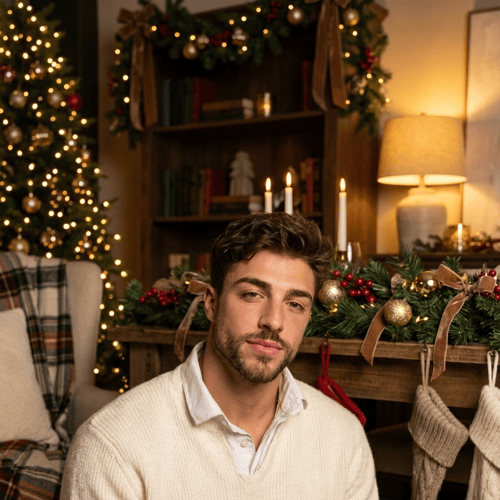
Create realistic Christmas AI images in seconds. Generate festive family photos, cozy holiday scenes, and social-ready seasonal visuals with one ready-made preset.
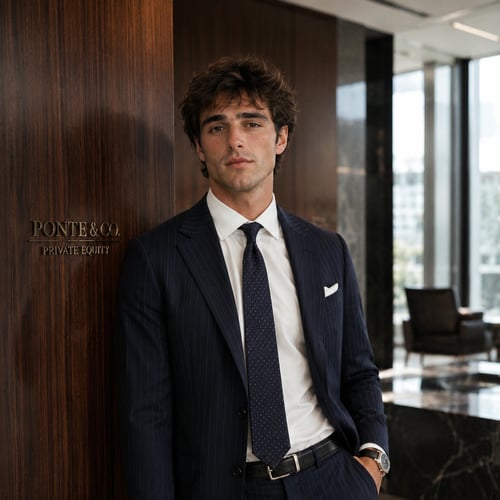
Create polished professional AI photos for LinkedIn, resumes, team pages, and personal branding with a clean studio-style preset.
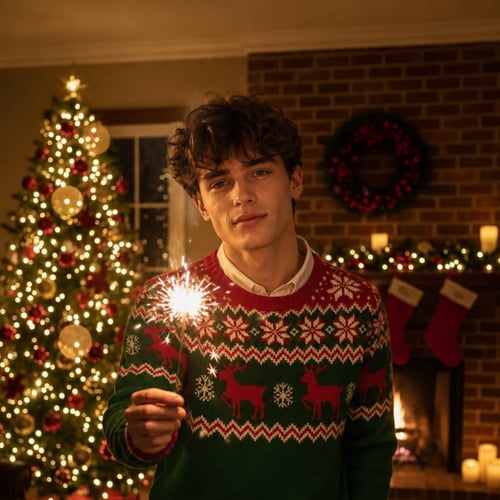
Capture the warmth of the holidays with AI-generated portraits inspired by the Ralph Lauren Christmas aesthetic - rich tartans, soft candlelight, and old-money charm.
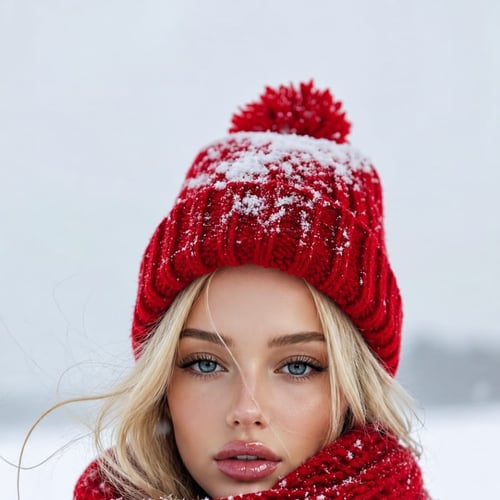
Create Snow AI photos and cozy winter AI images in minutes. This preset is built for seasonal content, profile photos, and cold-weather visual trends.
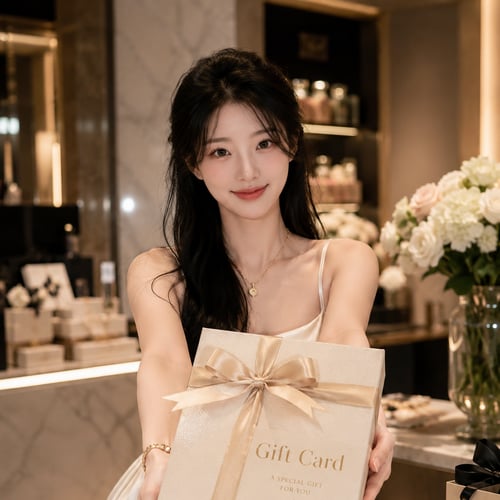
Create personalized AI gift card images for birthdays, anniversaries, holidays, and special moments. Turn a simple idea into a polished visual that feels custom and shareable.
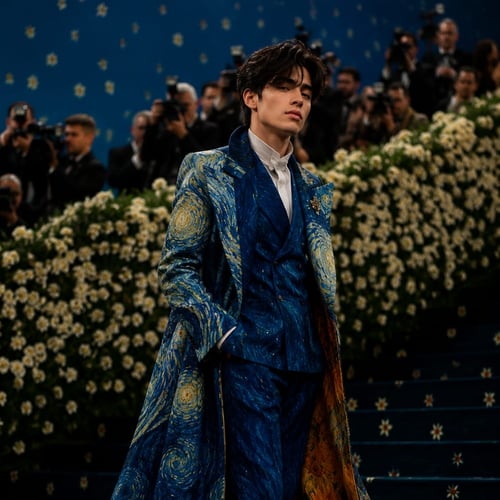
Create glamorous Met Gala AI images with couture styling, red-carpet energy, paparazzi lighting, and fashion-editorial drama.
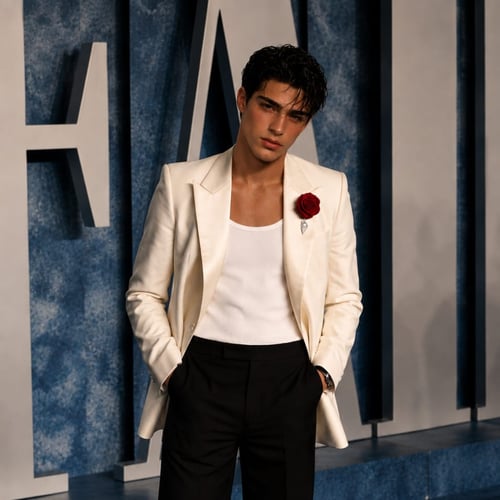
Create Cannes AI images with red carpet glamour, French Riviera elegance, film festival styling, paparazzi flashes, and luxury editorial portraits.
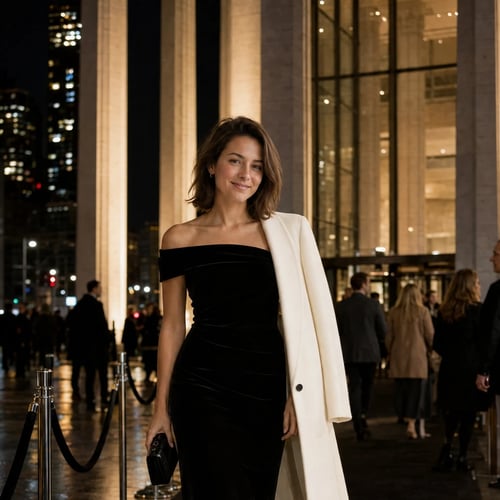
Create New York Film Festival AI photos with film festival outfits, red-carpet portraits, screening arrivals, movie-premiere scenes, and filmmaker Q&A moments.
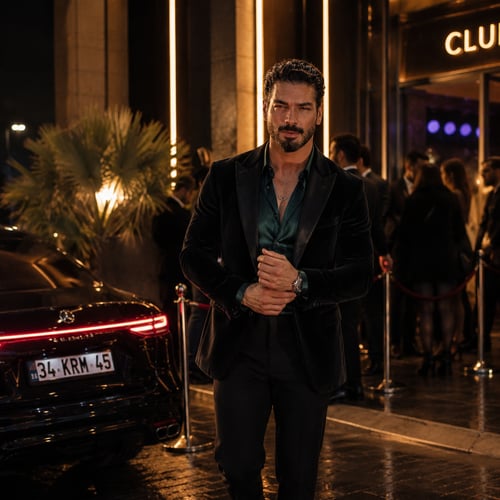
Create nightlife AI images with neon lighting, party energy, rooftop scenes, club visuals, and late-night fashion styling.
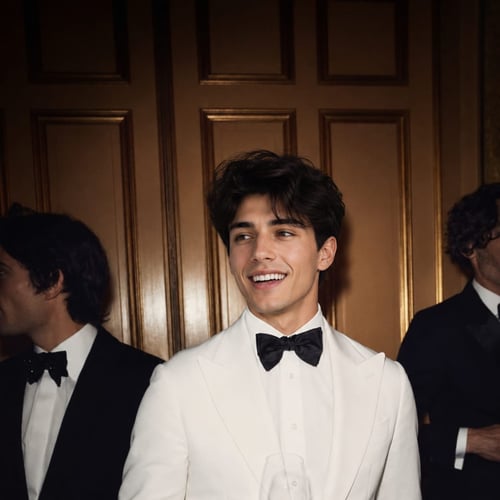
Create New Year AI images that feel festive and polished, from celebration cards to countdown scenes and party-night visuals.
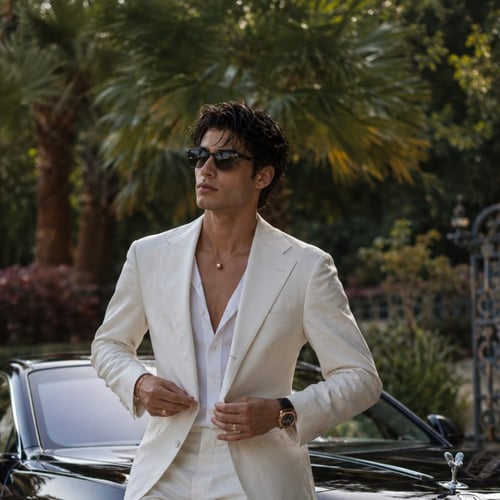
Create luxury lifestyle AI images with mansions, designer looks, private travel, and aspirational editorial-style scenes.
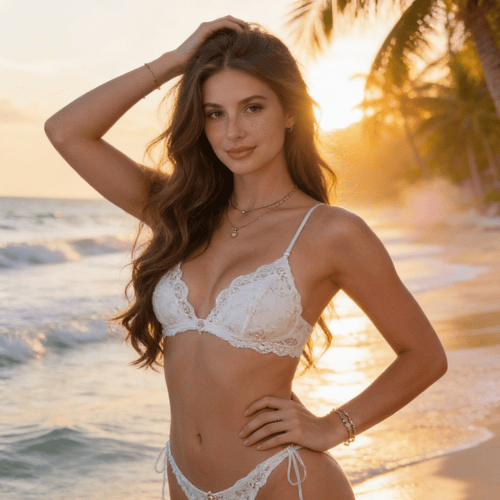
AI bikini generator for realistic virtual try-on styles. Upload your photo after creating a free account and generate swimwear images for social media, e-commerce, or personal use.
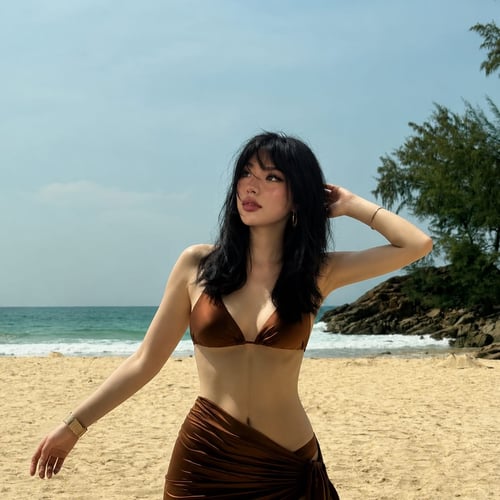
AI swimsuit generator for realistic beach-ready photos, virtual swimwear styling, HD downloads, and private summer visuals.
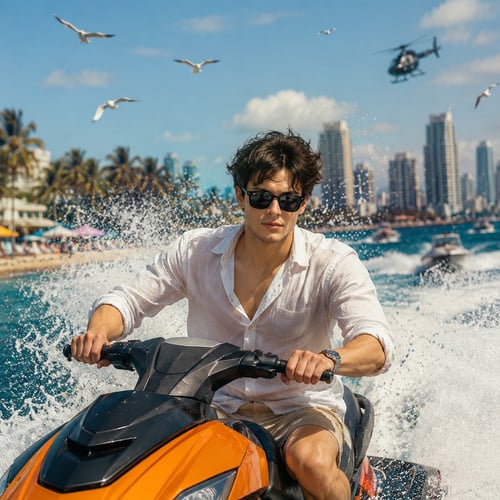
Rev up the chaos! Our AI-powered GTA VI: High Tide Pursuit image generator lets you craft intense, high-octane scenes straight out of Vice City. Picture neon-lit chases, speedboats slicing through waves, and explosive action under the Miami sun.
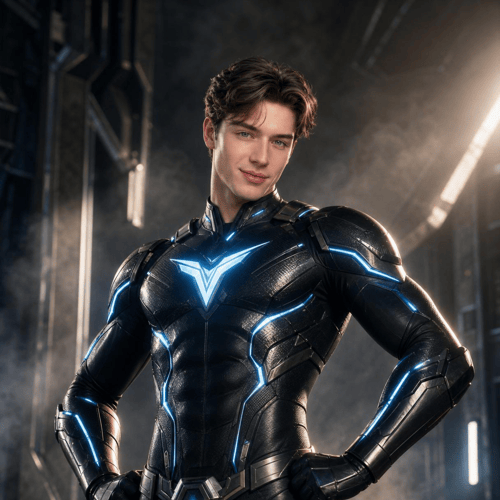
Create superhero AI images with futuristic armor, glowing energy effects, cinematic backdrops, and action-ready styling.
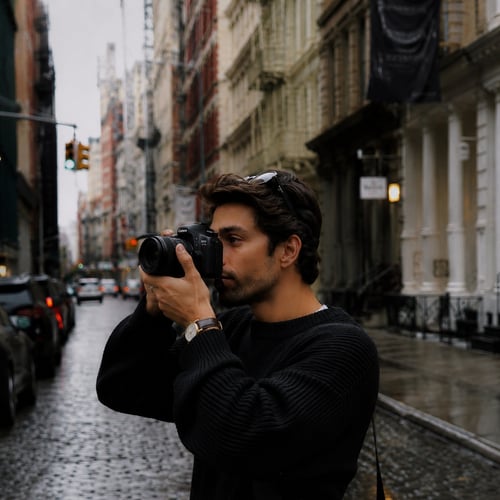
Celebrate World Photography Day with polished AI photos, creator visuals, and studio-style images that highlight your story and style.
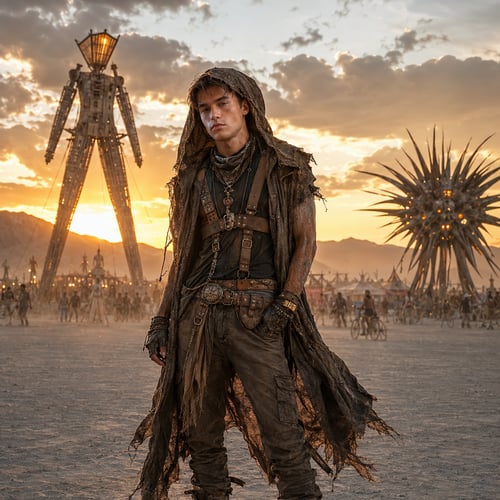
Create Burning Man AI images with surreal styling, desert energy, expressive costumes, and bold festival visuals.
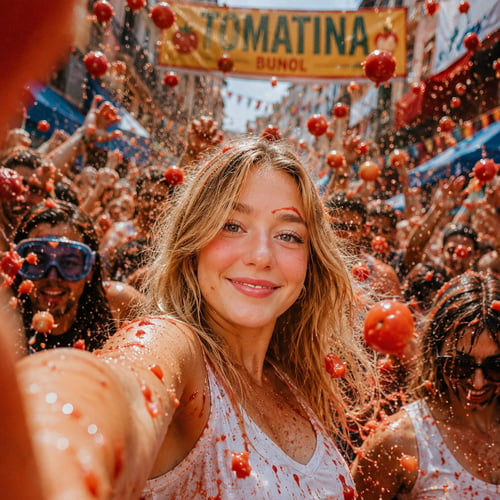
Create La Tomatina AI images with playful festival energy, tomato-splashed visuals, colorful motion, and bold celebration scenes.
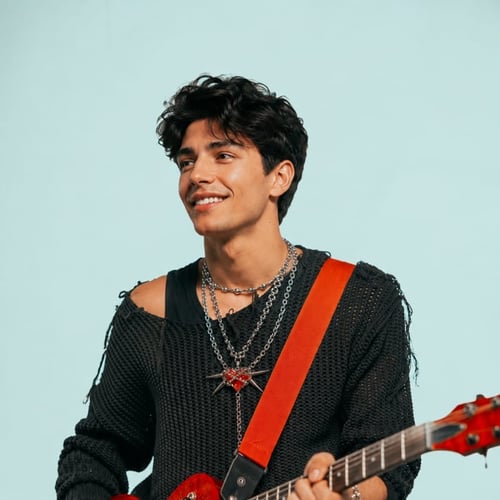
Inspired by Ed Sheeran’s new album Play, this AI style lets you generate soft, emotional portraits that feel like they belong on an album cover — or in a love story. Think warm tones, romantic moods, and timeless intimacy.
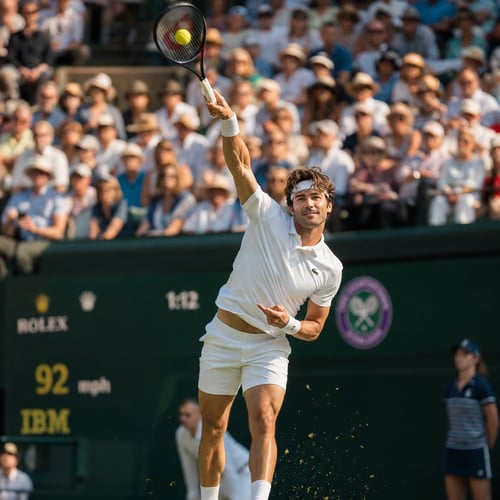
Inspired by the 2025 World Athletics Championships in Tokyo, this AI style transforms your image into a tribute to elite competition. From sprint-ready poses to powerful track visuals — celebrate strength, motion, and identity.
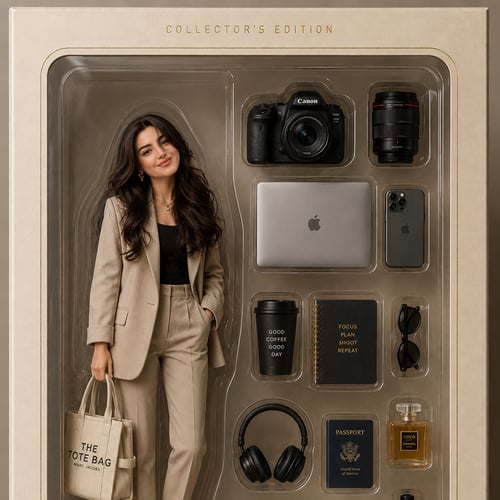
Generate hyper-realistic toy-style portraits inside vintage-style packaging — complete with lifestyle items, cozy chaos, and character. Join the AI action figure trend and create your very own collectible.
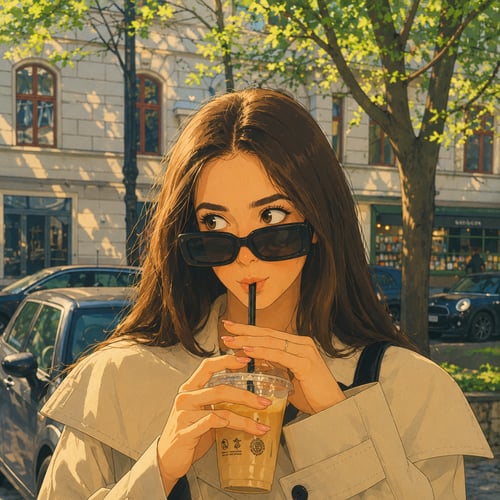
Create Studio Ghibli-style AI images with whimsical landscapes, soft animation-inspired color, and storybook-style visual charm.
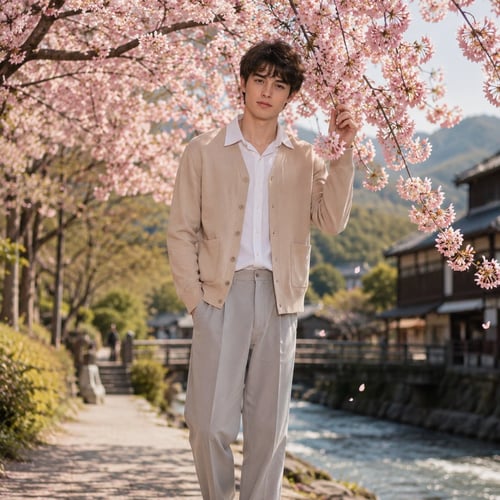
Create Sakura AI images with cherry blossoms, spring festivals, soft lighting, and serene seasonal scenes.
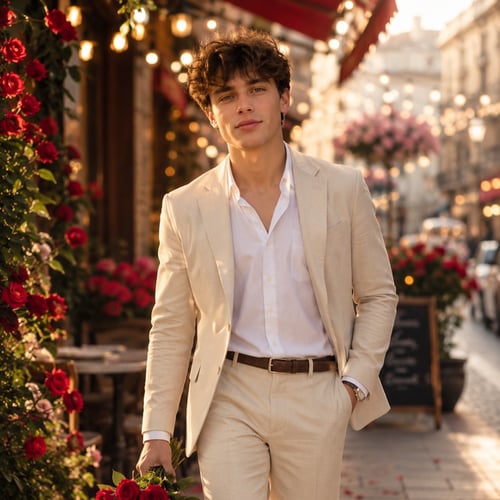
Create Valentine Week AI images with romantic scenes, roses, dinner-date styling, and soft love-story visuals.
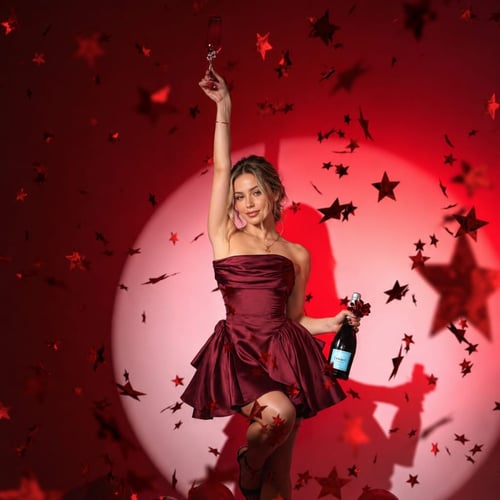
Create Singles Awareness Day AI images with self-love themes, solo confidence, empowering styling, and celebratory visuals.
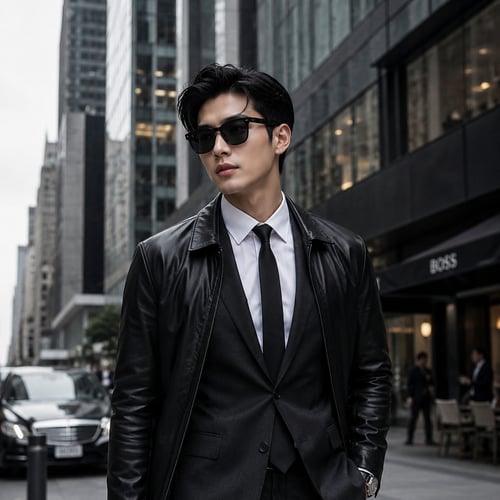
Create urban AI images with street-style fashion, city skylines, architecture, night lights, and editorial city energy.
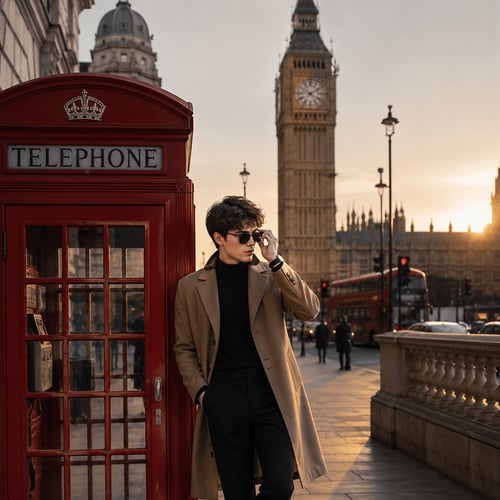
Create Europe travel AI images with Paris streets, coastal towns, old-city charm, and postcard-style vacation visuals.
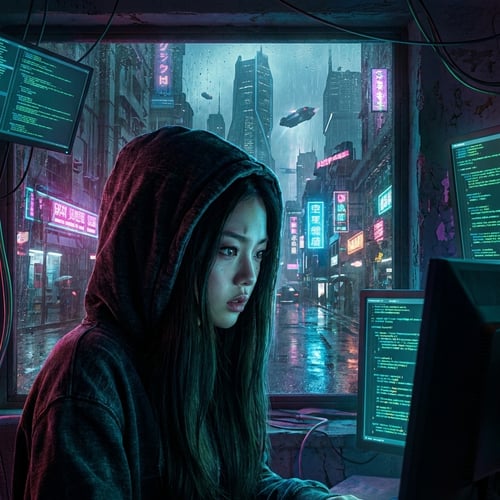
Create cyberpunk AI images with neon cityscapes, futuristic tech, dark fashion, and high-energy sci-fi visuals.
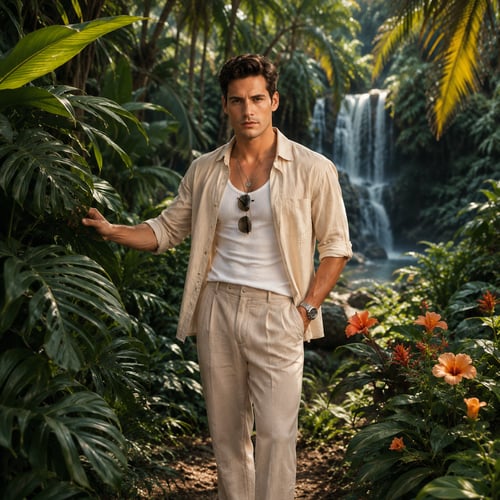
AI tropical generator for realistic island-inspired photos, palm-lined scenes, HD vacation visuals, and private creative workflows.
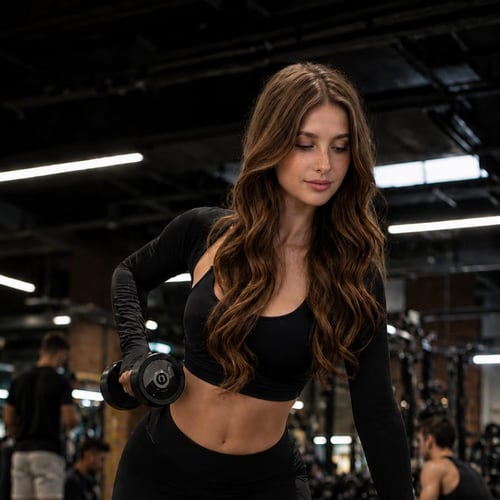
AI fitness generator for realistic gym-ready portraits, athletic posing, HD workout visuals, and private creator content.
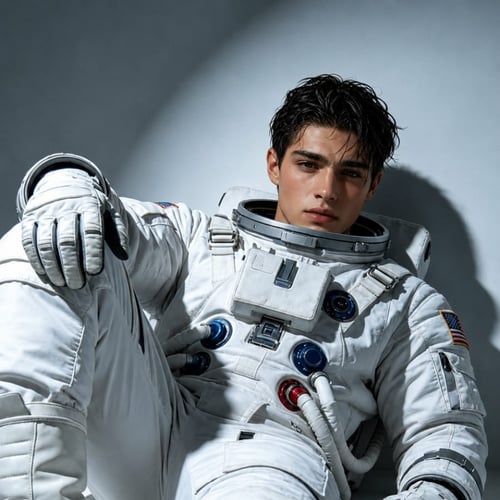
Create astronaut AI images with space suits, planetary backdrops, sci-fi lighting, and cinematic exploration scenes.
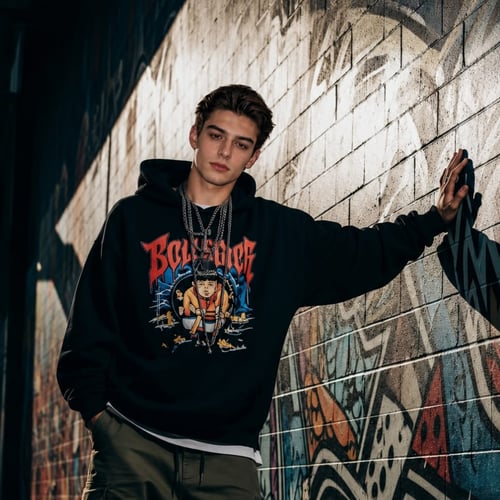
Create street style AI images with fashion-forward outfits, editorial poses, city backdrops, and creator-ready styling.
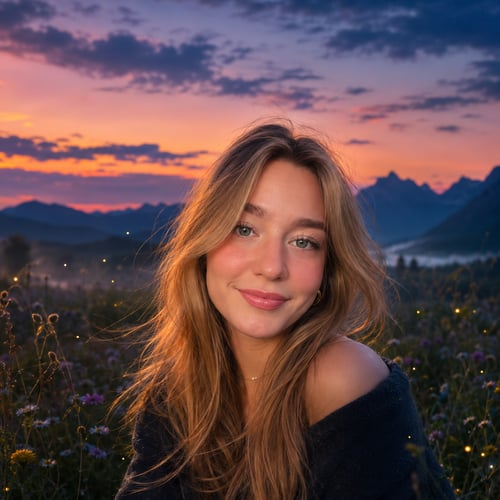
Create twilight AI images with golden hour light, dusk atmosphere, moody skies, and dreamy evening scenes.
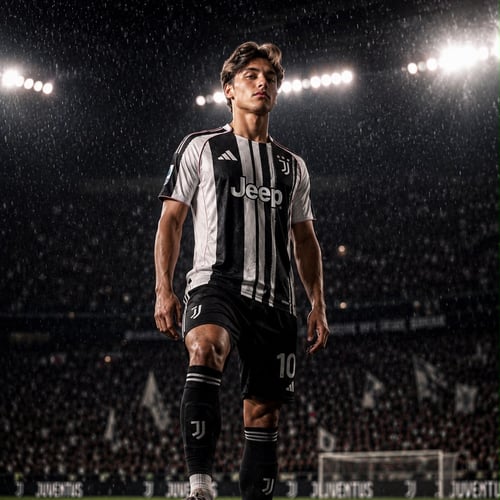
Create soccer AI images with stadium energy, team spirit, match-day visuals, and athletic action scenes.
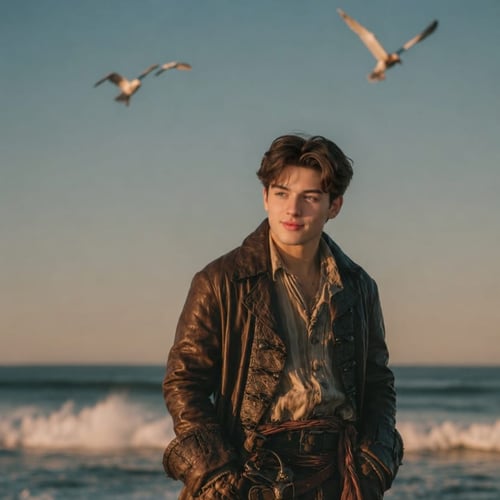
Create pirate AI images with treasure-hunt energy, shipboard drama, fantasy styling, and adventure-driven visuals.
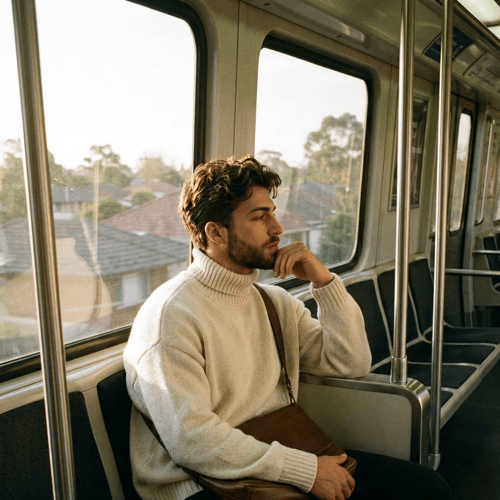
Create cinematic AI images with dramatic lighting, film-style composition, story-driven scenes, and blockbuster-inspired visual mood.
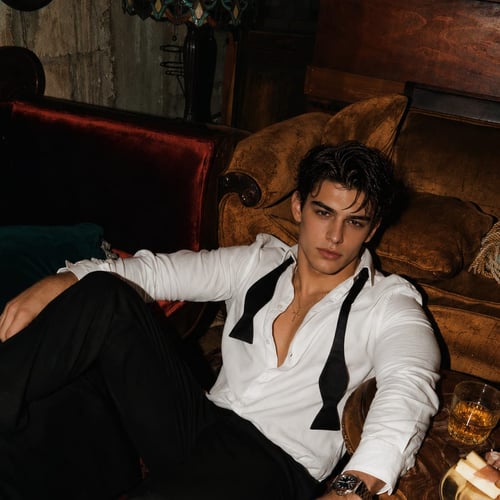
AI glamour generator for realistic luxury portraits, polished beauty looks, HD fashion-editorial visuals, and private creation.
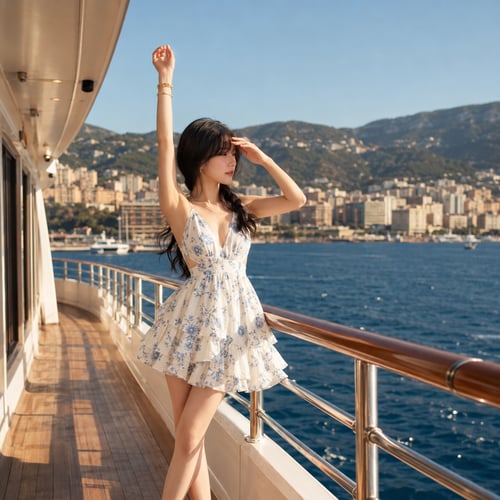
Create cruise and ocean getaway AI images with luxury decks, travel styling, sunset backdrops, and destination-inspired visuals.
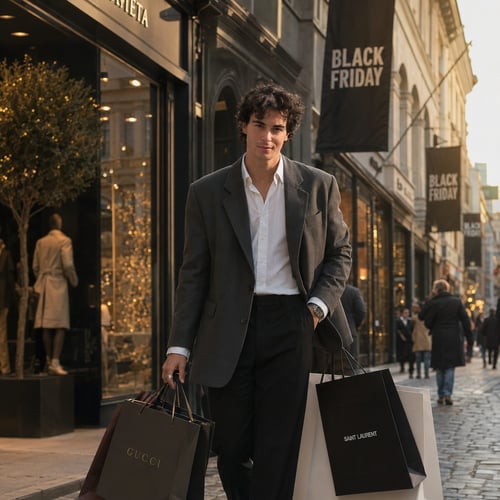
Create Black Friday AI images for sale banners, social campaigns, paid ads, and promotional visuals that feel bold and conversion-ready.
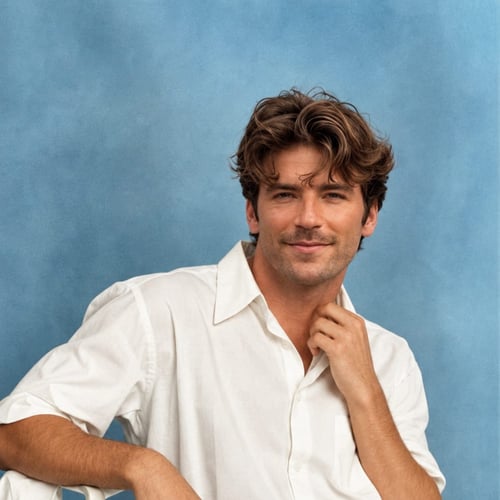
Create 1960s yearbook AI images with retro school styling, vintage color, classic portrait framing, and nostalgic visual tone.
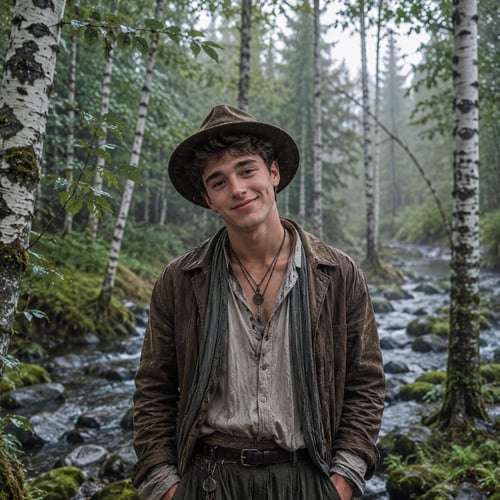
Create bohemian AI images with flowing fabrics, earthy tones, festival styling, and relaxed creative mood.
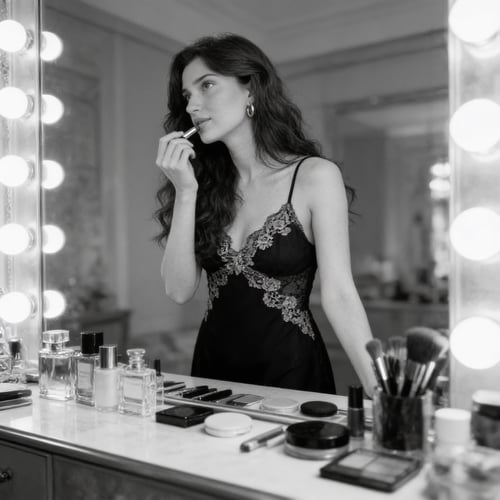
AI boudoir generator for realistic elegant portraits, refined styling, flattering lighting, HD results, and private creation.
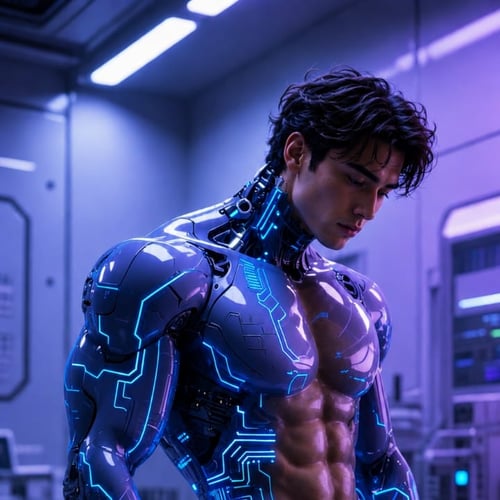
Create cyborg AI images with robotic details, futuristic styling, sci-fi lighting, and machine-meets-human visual themes.
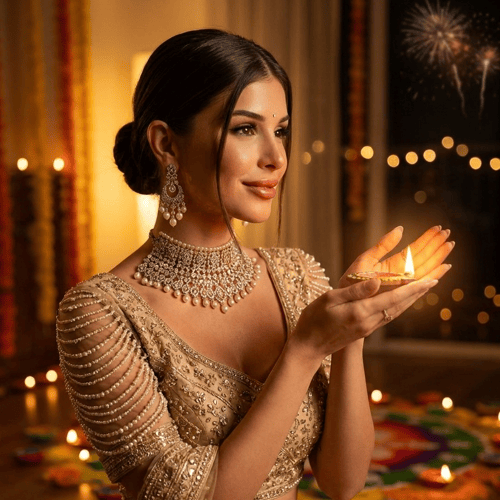
Create Diwali AI images with festive lighting, traditional outfits, celebration scenes, and rich seasonal color.
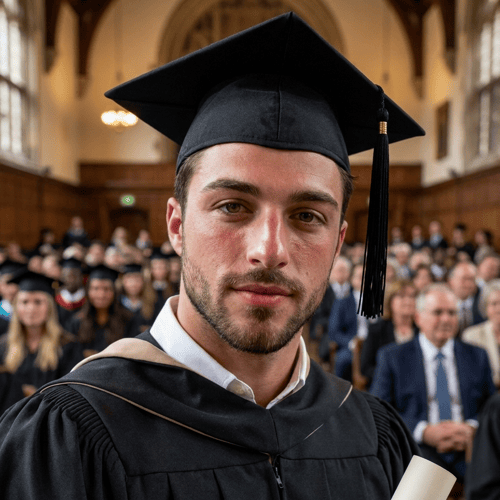
Create graduation AI images with caps, gowns, campus backdrops, and celebration-ready milestone visuals.
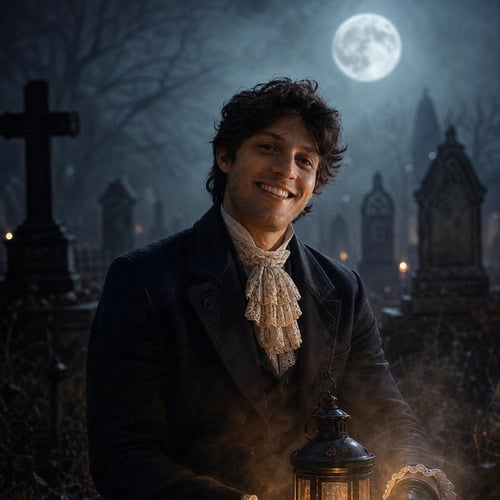
Get spooked with AI generated images that evoke the thrill and terror of Halloween, complete with costumes, pumpkins, and haunted landscapes.
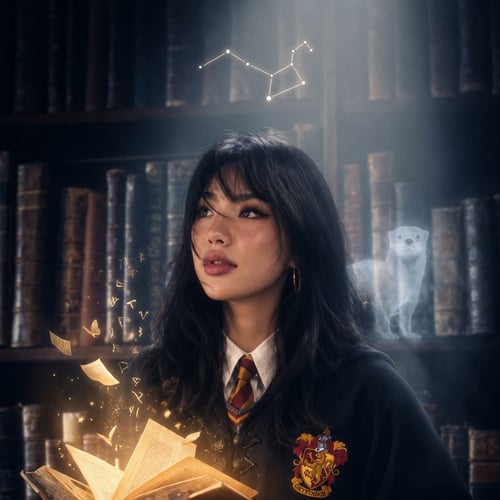
Create Harry Potter-inspired AI images with wizard robes, magical scenes, castle backdrops, and fantasy storytelling visuals.
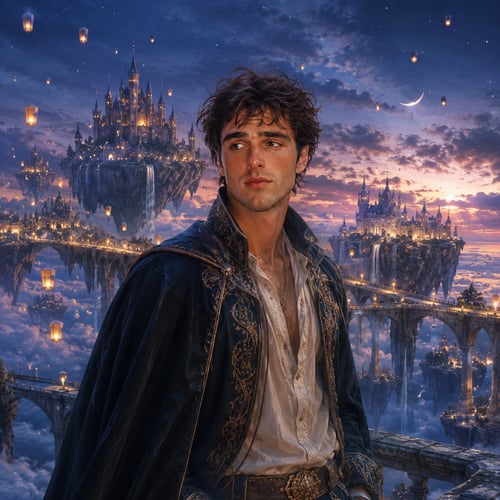
Create Hobbit-inspired AI images with fantasy landscapes, village life, adventure styling, and Middle-earth visual mood.
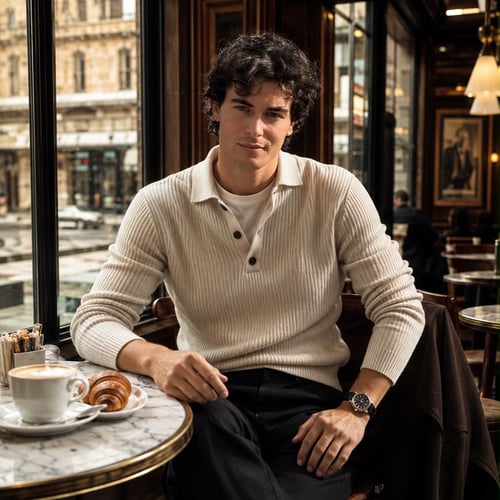
Create Instagram-ready AI images with scroll-stopping styling, polished creator looks, and visual content built for engagement.
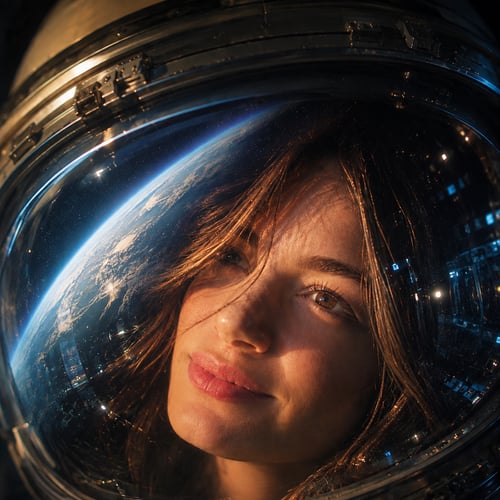
Create interstellar AI images with cosmic backdrops, sci-fi atmosphere, celestial lighting, and space-inspired visual storytelling.
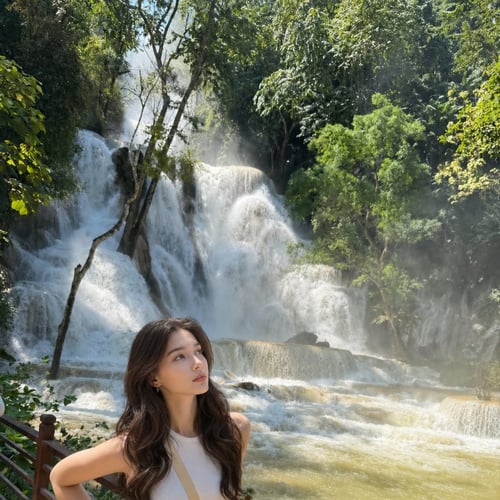
Create mountain trek AI images with alpine scenery, outdoor styling, climbing energy, and adventure-focused visuals.
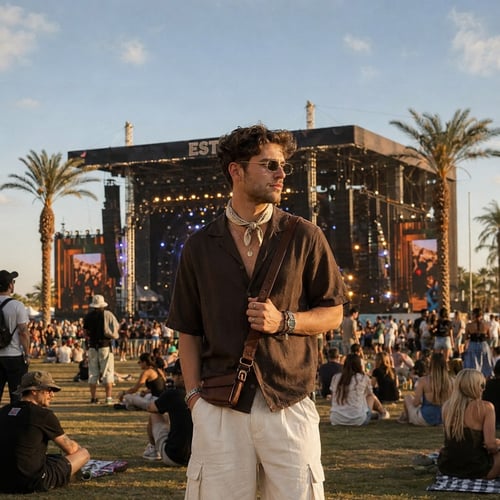
Create music festival AI images with stage lights, expressive fashion, crowd energy, and concert-inspired visual style.
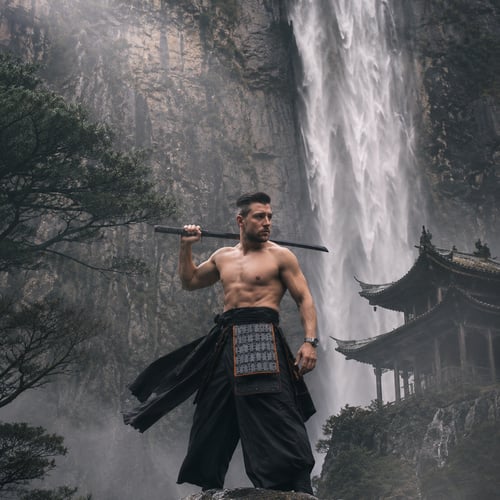
Create ninja AI images with stealth styling, martial-arts energy, dramatic shadows, and fantasy-action visuals.
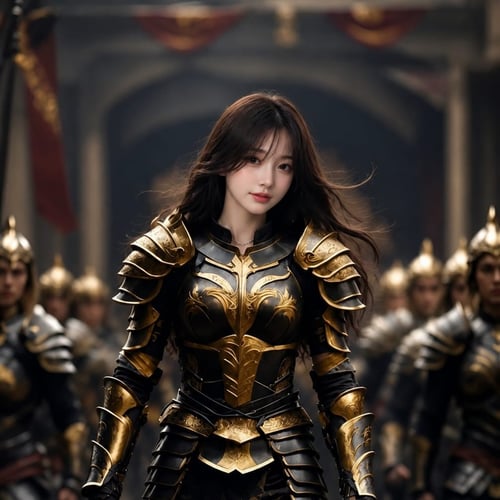
Create paladin AI images with heroic armor, fantasy adventure styling, medieval scenes, and high-fantasy visual tone.
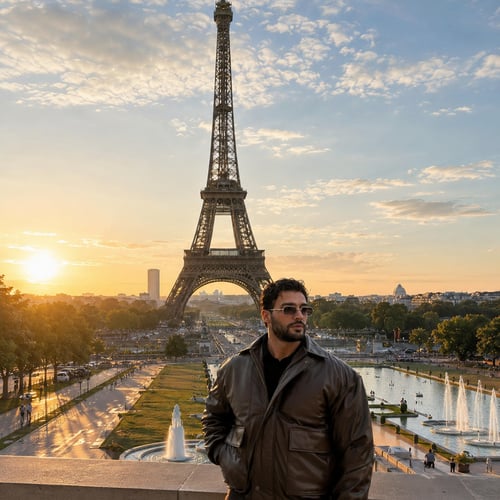
Create Paris AI images with city-light romance, fashion-forward styling, café scenes, and elegant travel visuals.
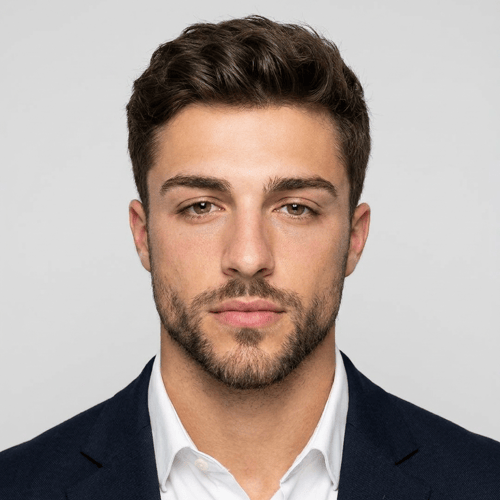
Create passport-style AI photos with clean framing, neutral backgrounds, and professional document-ready styling.
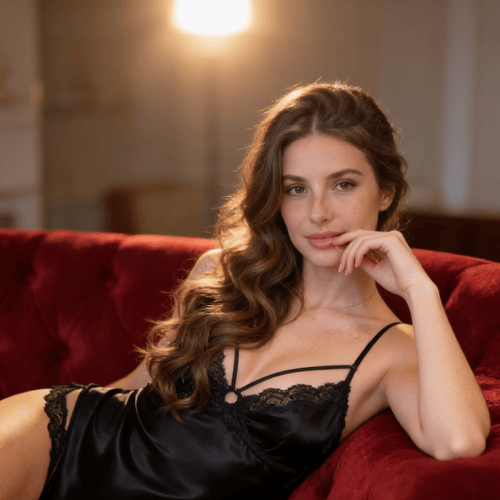
Create OnlyFans AI images with stylized creator visuals, exclusive-looking content, and polished scenes designed for subscriber-driven branding.
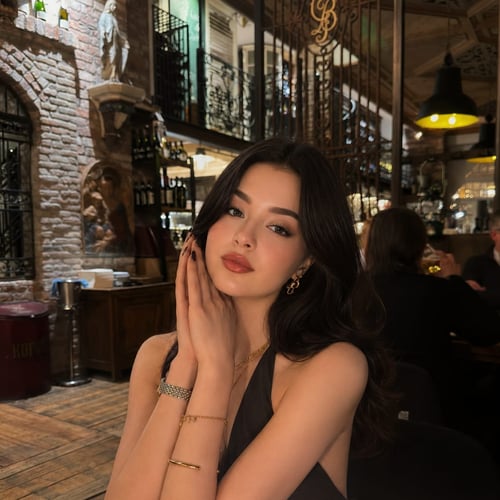
Create dating profile AI photos with natural styling, flattering lighting, and modern social-ready visual energy.
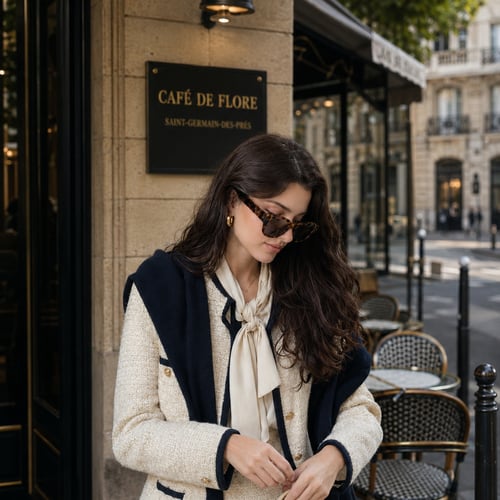
Create Old Money AI images with refined fashion, heritage-inspired styling, quiet-luxury mood, and timeless editorial visuals.
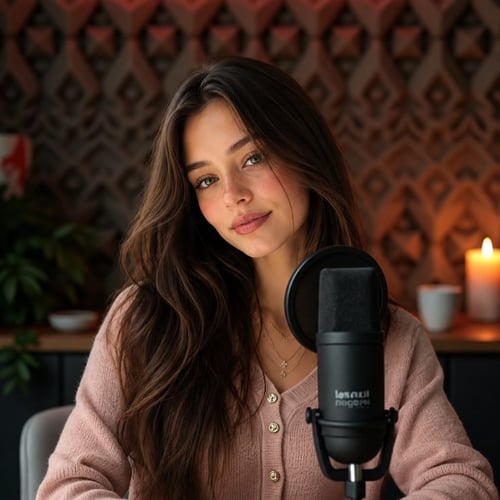
Create YouTube thumbnail AI images with bold expressions, high-contrast visuals, and click-focused creative direction built for creators.
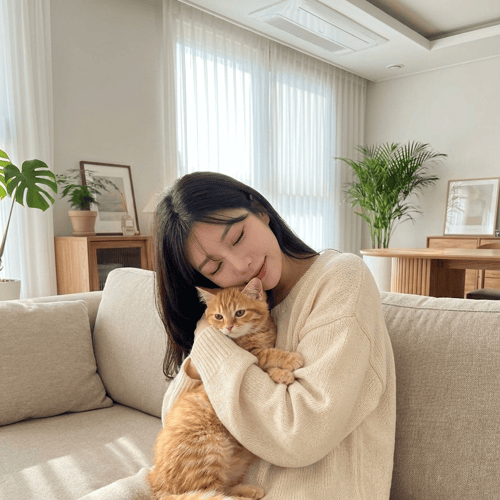
Create pet companion AI images with adorable pairings, cozy scenes, playful styling, and memory-focused visuals.
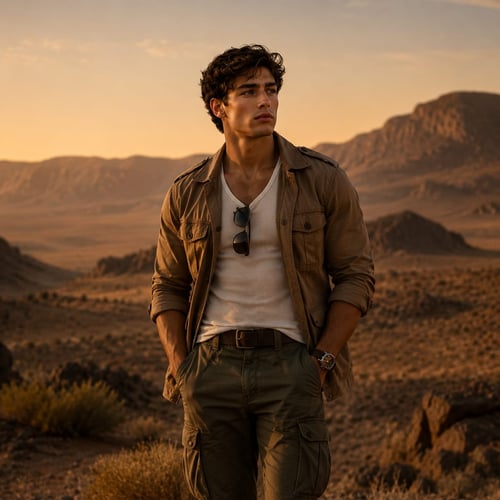
Create safari AI images with wildlife settings, adventure styling, earthy color, and destination-inspired visual storytelling.
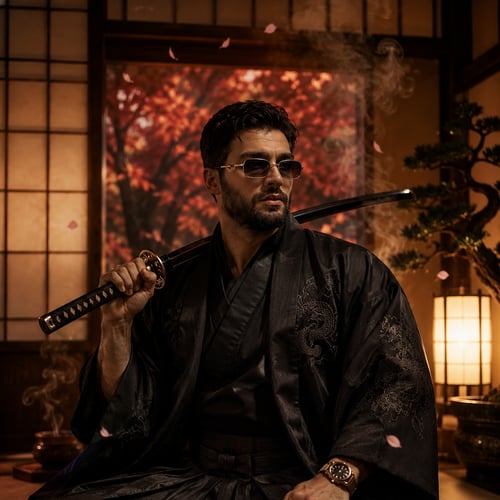
Create samurai AI images with armor, disciplined poses, feudal-Japan styling, and cinematic warrior visuals.
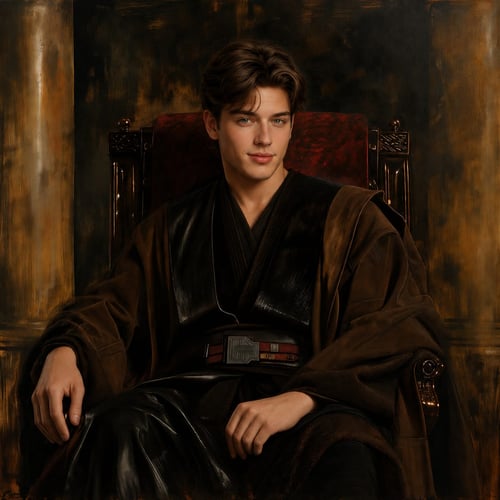
Create space-opera AI images with epic sci-fi styling, galactic scenes, dramatic lighting, and adventure-driven visuals.
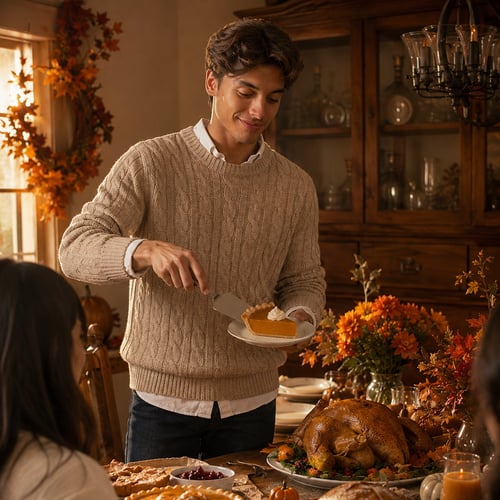
Create Thanksgiving AI images with festive table scenes, seasonal styling, warm family visuals, and holiday campaign-ready content.
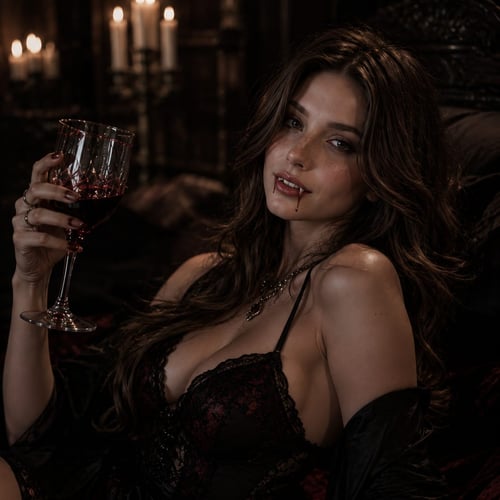
Create vampire AI images with gothic styling, dark romance, moody lighting, and supernatural visual energy.
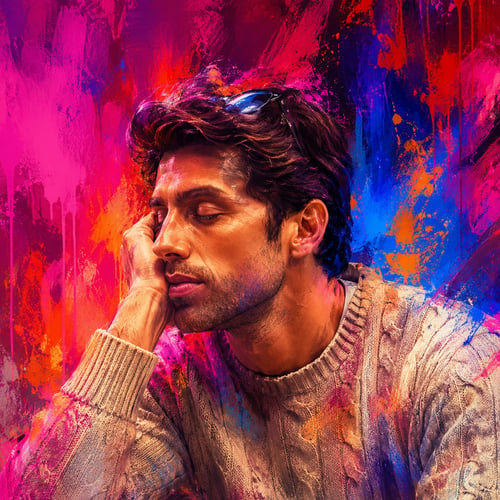
Create vibrant sketch AI images with bold color, illustrated texture, artistic styling, and playful creative energy.
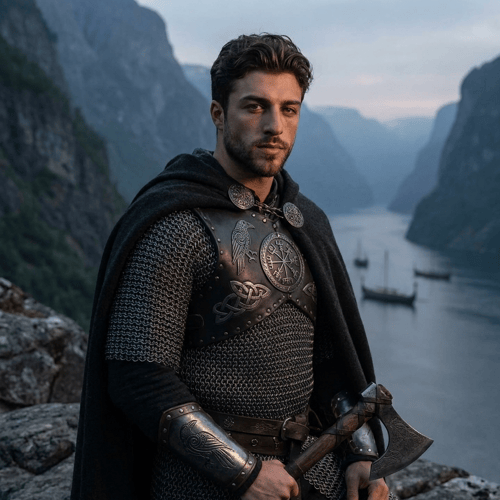
Create Viking AI images with Norse armor, mythic atmosphere, rugged styling, and warrior-inspired fantasy visuals.
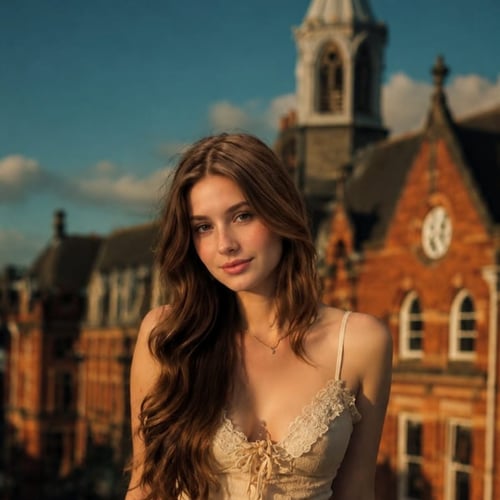
Create vintage AI images and 80s-inspired portraits with retro fashion, film texture, classic framing, and nostalgic color.
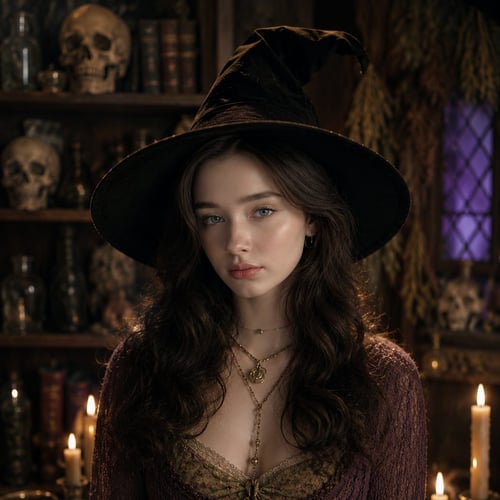
Create witch and wizard AI images with magical styling, fantasy robes, spell-casting scenes, and enchanted visual mood.
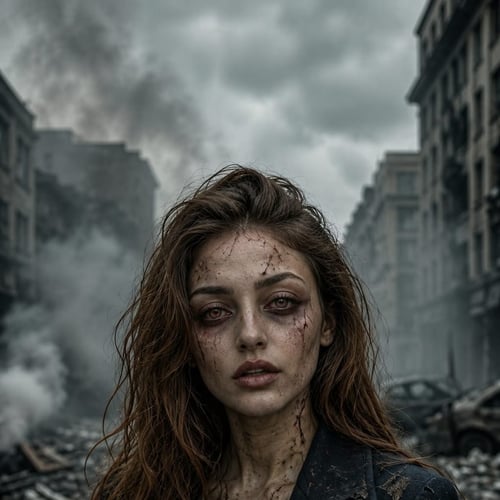
Create zombie apocalypse AI images with horror styling, survival mood, cinematic destruction, and dark post-apocalyptic visuals.
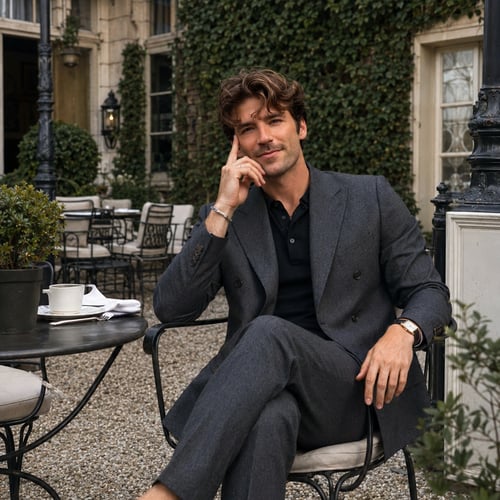
Create professional real-estate AI photos with polished business styling, approachable confidence, and clean agent-branding visuals.
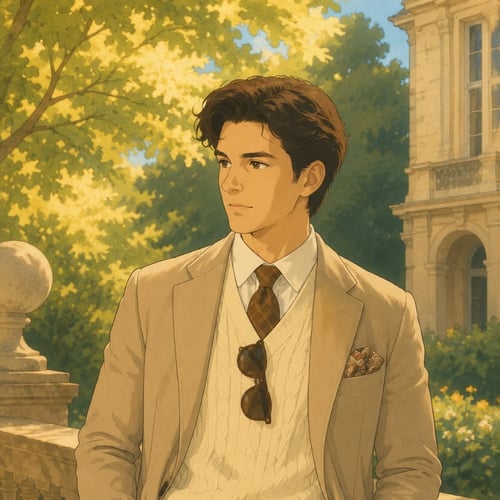
Create Ghibli-inspired corporate AI photos that blend professional polish with whimsical animation-style charm.
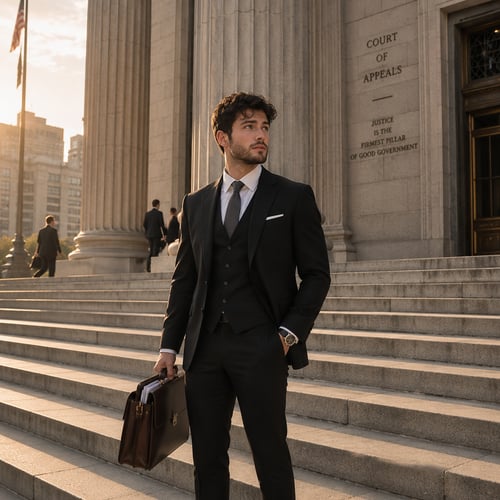
Create legal-professional AI photos with credible styling, clean composition, and polished business visuals for law-focused profiles.
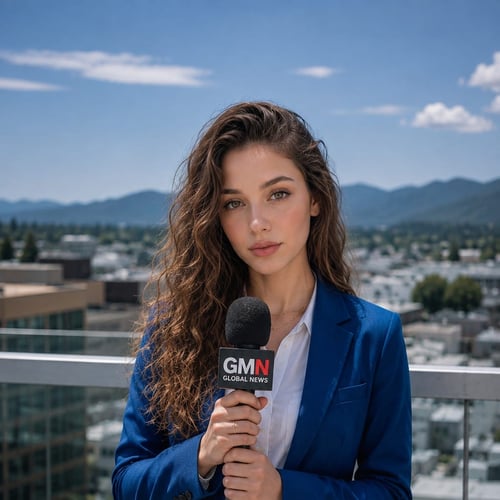
Create media-personality AI photos with charisma, confidence, and polished on-camera styling for hosts, journalists, creators, and presenters.
Generate, edit, upscale, and animate high-quality visuals from one AI creator studio.
Get Started Free