Other community creations
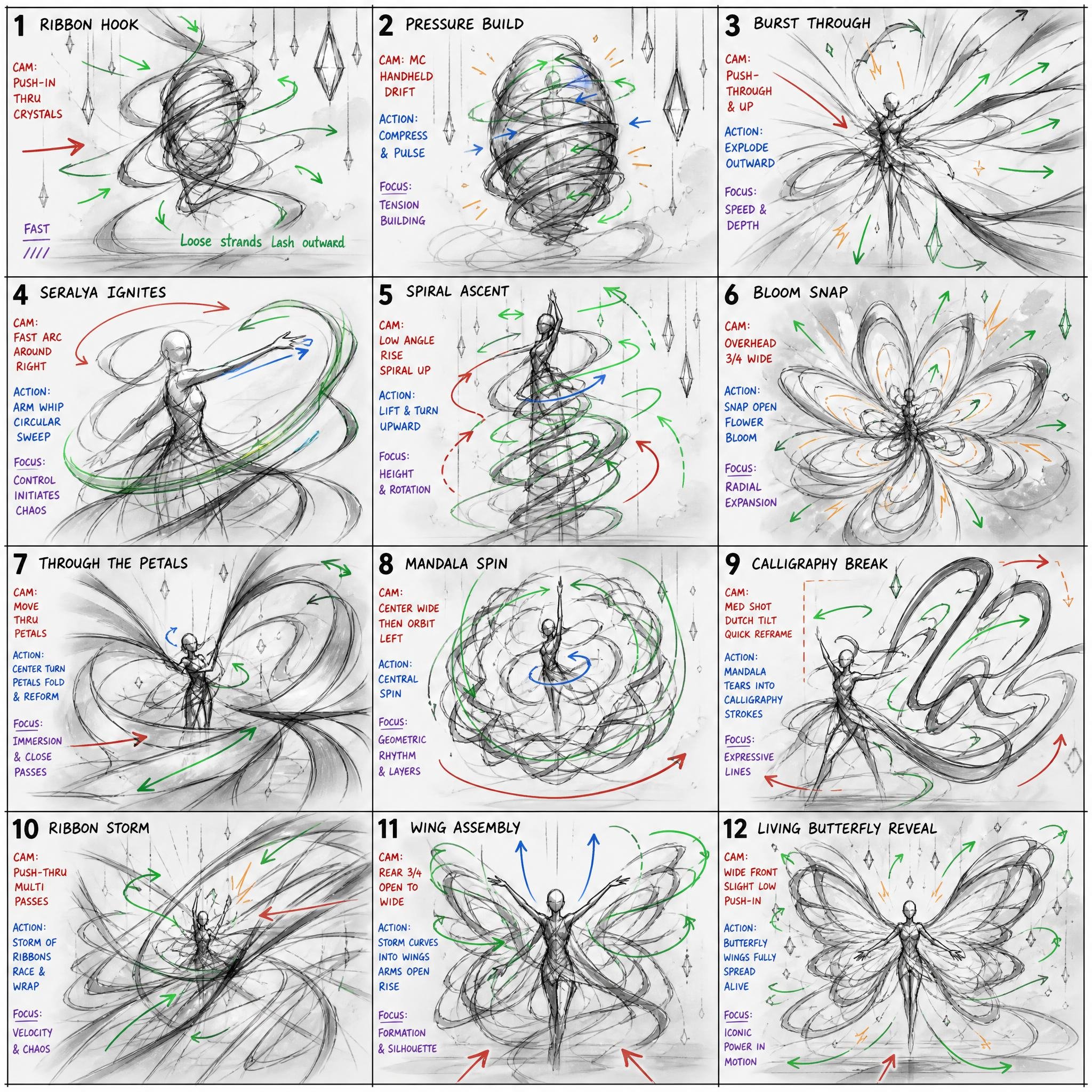
Explore more AI images and videos from the PhotoGPT community. Open a creation to explore its prompt and create your own version.
RandomOthersHalloweenYoutube ThumbnailDatingFitnessVintageBikiniOnlyFansLa TomatinaGlamourViking AvatarNew AvengersMet GalaBurning Man 2026CinematicProfessional ThemeNew YearInstagramSnowy WinterPassport PhotoChristmasBlack FridayRalph Lauren ChristmasThanksgivingGraduationGhibli CorporateReal Estate ProLegal ProfessionalHarry Potter Theme1960s YearbookWorld Athletics Championships 2025Mawlid - Prophet’s BirthdayEd Sheeran – PLAYWorld Photography DayBoudoirOld MoneyTropical AdventuresStudio GhibliCyberpunk ThemeTwilight DreamNight LifeGTA VI: High Tide PursuitHobbit AvatarStar wars ThemeAction FigureMusic FestivalSakuravalentineSingles DayValentine's WeekGiftcardInterstellar MuseVibrant SketchCyborg ThemePaladin ThemeVampire ThemeBohemian vibesCruise Ship VoyagesPet CompanionsPirate ThemeStreet StyleSoccer AvatarBeachAstronaut ThemeUrban RhythmParis ViewEuropean VacationRich LifestyleMountain TrekSamurai ThemeWitch/WizardDiwali celebrationsZombie apocalypseMedia PersonalityValentine greeting cardFifa Club (FC) 26Safari AdventuresNinja ThemeWWE Royal RumbleCannesMafia BossBanking EliteMedical ExpertPersonal BrandArchitect ExecutiveYogaNatural LightFarm LifeCreative DirectorEvent SpeakerHome KitchenLuxury BoutiqueY2K LookArcane MageResort PoolEngineering LeaderArmy PersonnelK-Pop IdolSpa RetreatFitness ProAfrica Cup of NationsChef ModeEntrepreneurAir Force PilotBaseball PlayerMasqueradeVogue ModelAvatar: Fire and AshMajesticDramatic Light