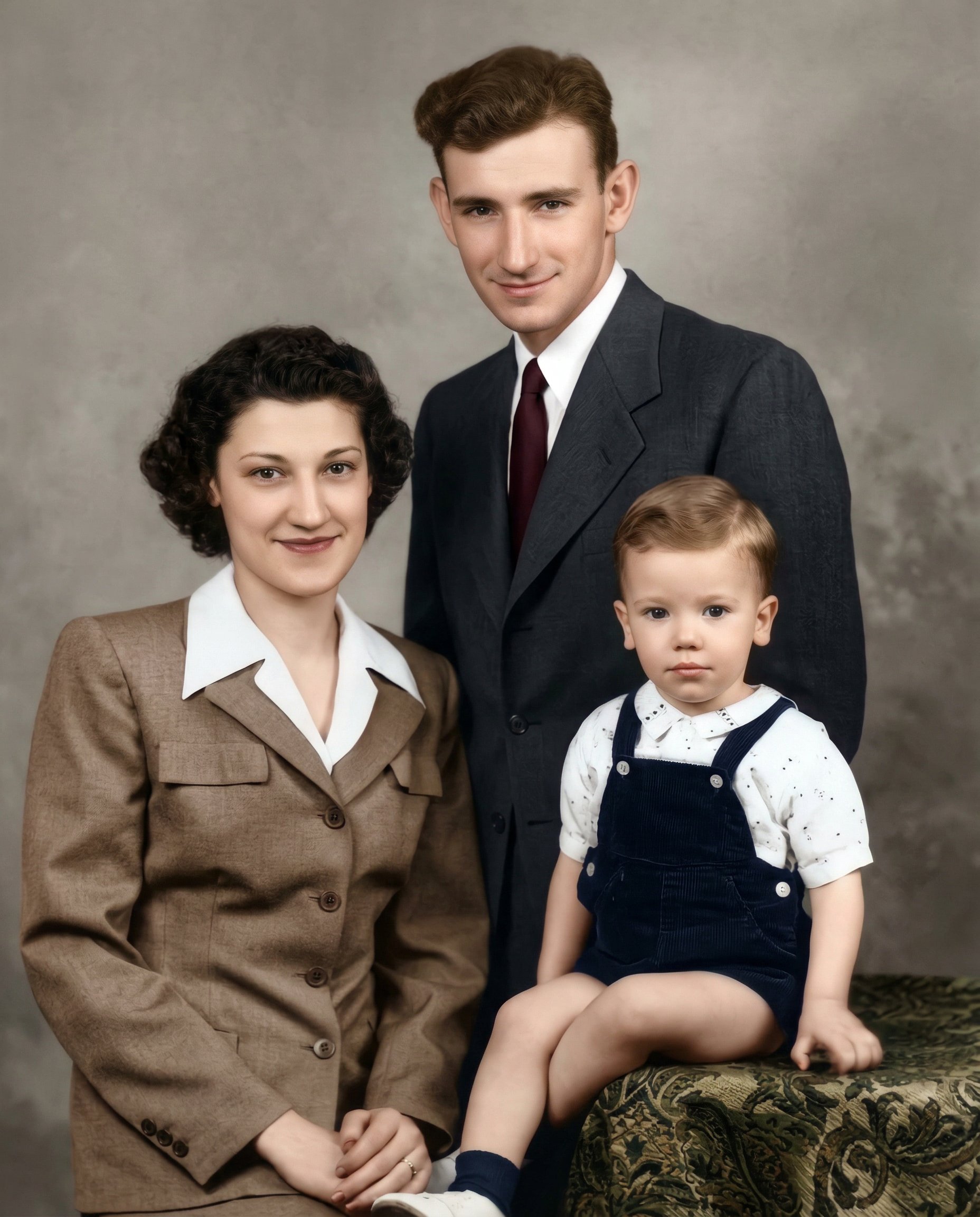
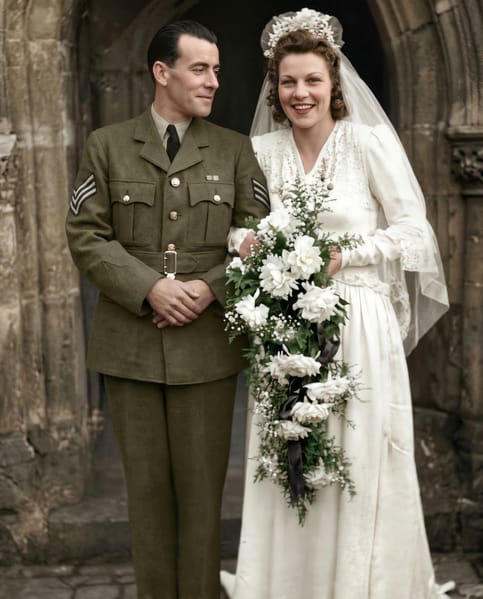
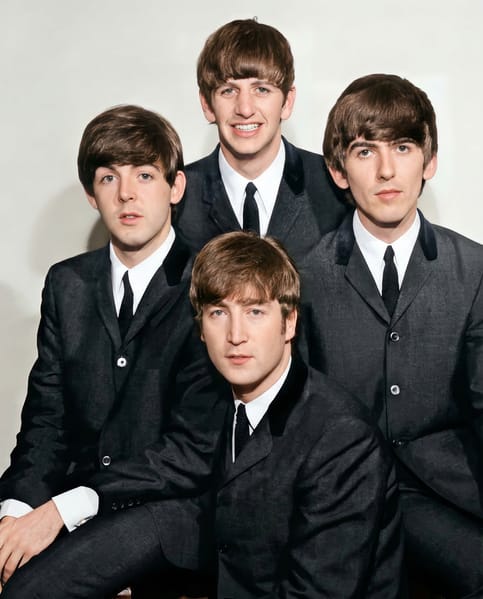
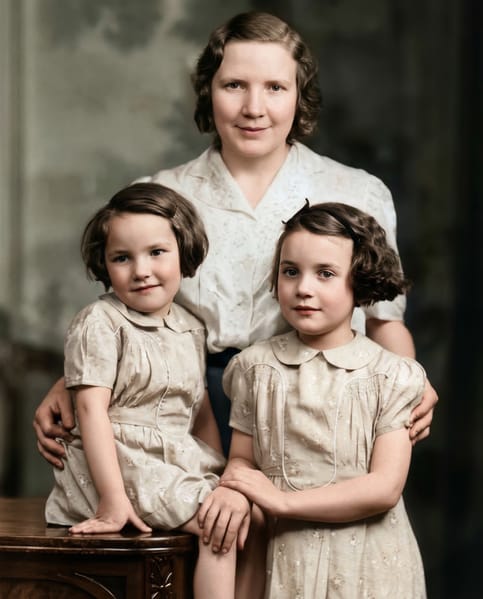
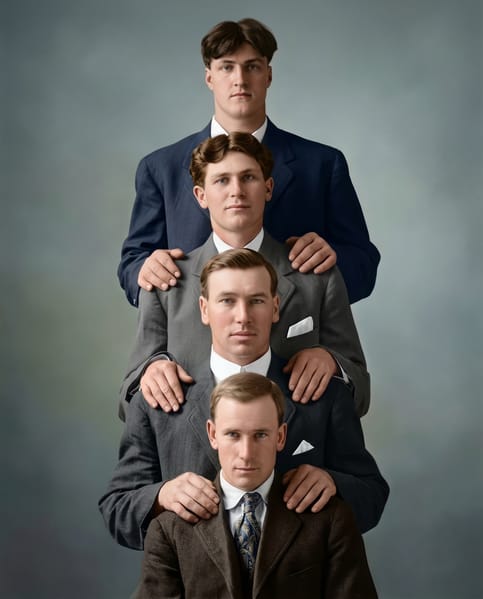
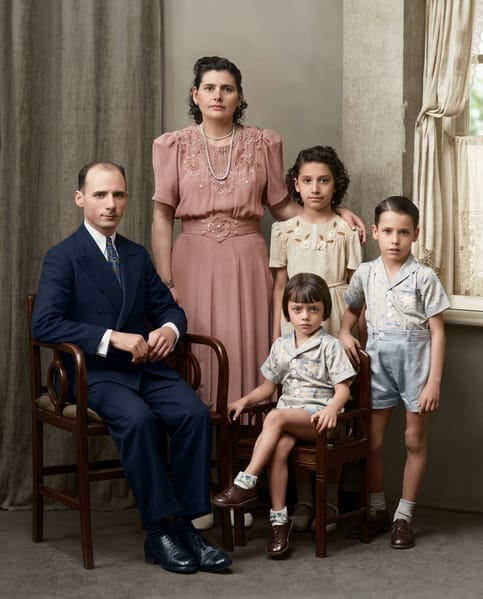
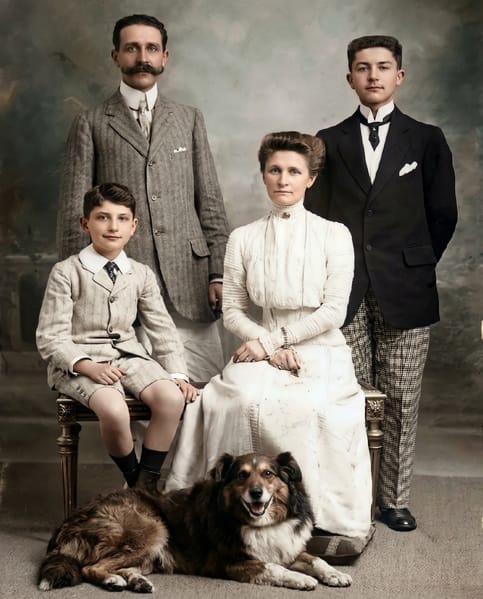
Photogpt
Restore the uploaded image into a clean, fully reconstructed, high-quality photograph while preserving the original people, pose, composition, and scene.

⸻

Goal

Transform the damaged, degraded, or old photo into a modern, clear, natural-looking image while keeping the identity and scene unchanged.

The output should look like the same photo taken with a modern camera, not an altered or reinterpreted scene.

⸻

Identity Preservation

Strictly preserve:

• facial structure and proportions
• eye shape and spacing
• nose structure
• lip shape
• head shape
• hairstyle and hairline
• age characteristics
• clothing style and form
• body pose and gesture
• relative position of people in the frame

Do not redesign the people.

⸻

Restoration Tasks

Perform advanced restoration:

• remove scratches
• remove stains
• remove cracks and dust
• reconstruct missing areas
• repair torn regions
• repair faded textures
• remove film damage and compression artifacts

Rebuild lost facial details naturally while maintaining identity.

⸻

Image Enhancement

Improve overall image quality:

• natural skin texture
• realistic facial details
• balanced exposure
• corrected contrast
• natural colors (if colorized)
• improved sharpness without artificial smoothing

The image should appear clean and naturally photographed.

⸻

Colorization

If the image is black and white:

• generate natural realistic color tones
• natural skin color
• realistic hair color
• believable clothing colors
• subtle film-style color palette

Color must appear authentic and historically plausible, not oversaturated.

⸻

Lighting

Reconstruct natural lighting consistent with the original scene.

Avoid artificial studio lighting.

Maintain the direction and softness of the original light.

⸻

Texture Reconstruction

Restore realistic textures for:

• skin
• hair
• fabric
• background materials
• furniture and environment

Avoid plastic skin or over-smoothed surfaces.

⸻

Composition

Preserve exactly:

• camera angle
• subject placement
• framing
• background layout

Do not crop or reposition elements.

⸻

Output Quality

• ultra clean restored photograph
• realistic human skin
• sharp facial details
• natural photographic look
• modern high-resolution clarity

⸻

Constraints

No AI beauty filters
No face redesign
No cartoon style
No painterly effects
No artificial sharpening halos
No unrealistic colors
No identity change

The output must look like a perfectly restored version of the original photograph.

PhotoGPT AI Image

Prompt

Restore the uploaded image into a clean, fully reconstructed, high-quality photograph while preserving the original people, pose, composition, and scene. ⸻ Goal Transform the damaged, degraded, or old photo into a modern, clear, natural-looking image while keeping the identity and scene unchanged. The output should look like the same photo taken with a modern camera, not an altered or reinterpreted…

Size1856px x 2304px
Reference Images
Source image 1

Start Exploring

Join our Discord community of 1000s of active users, get insights on latest prompt ideas and explore community generations